The words “digital vault” cover three very different tools. I’ll give you a simple checklist to choose the one that truly serves your profession, and keep your data under your control.
Everyone calls themselves a digital vault: payslip archiving services, client portals, even some shared folders. These tools don’t do the same job, and they don’t cover the same obligations.
So before you compare prices, get clear on what you need. Collecting documents from your clients? Archiving records for thirty years? Sharing files with a team? The answer changes everything.

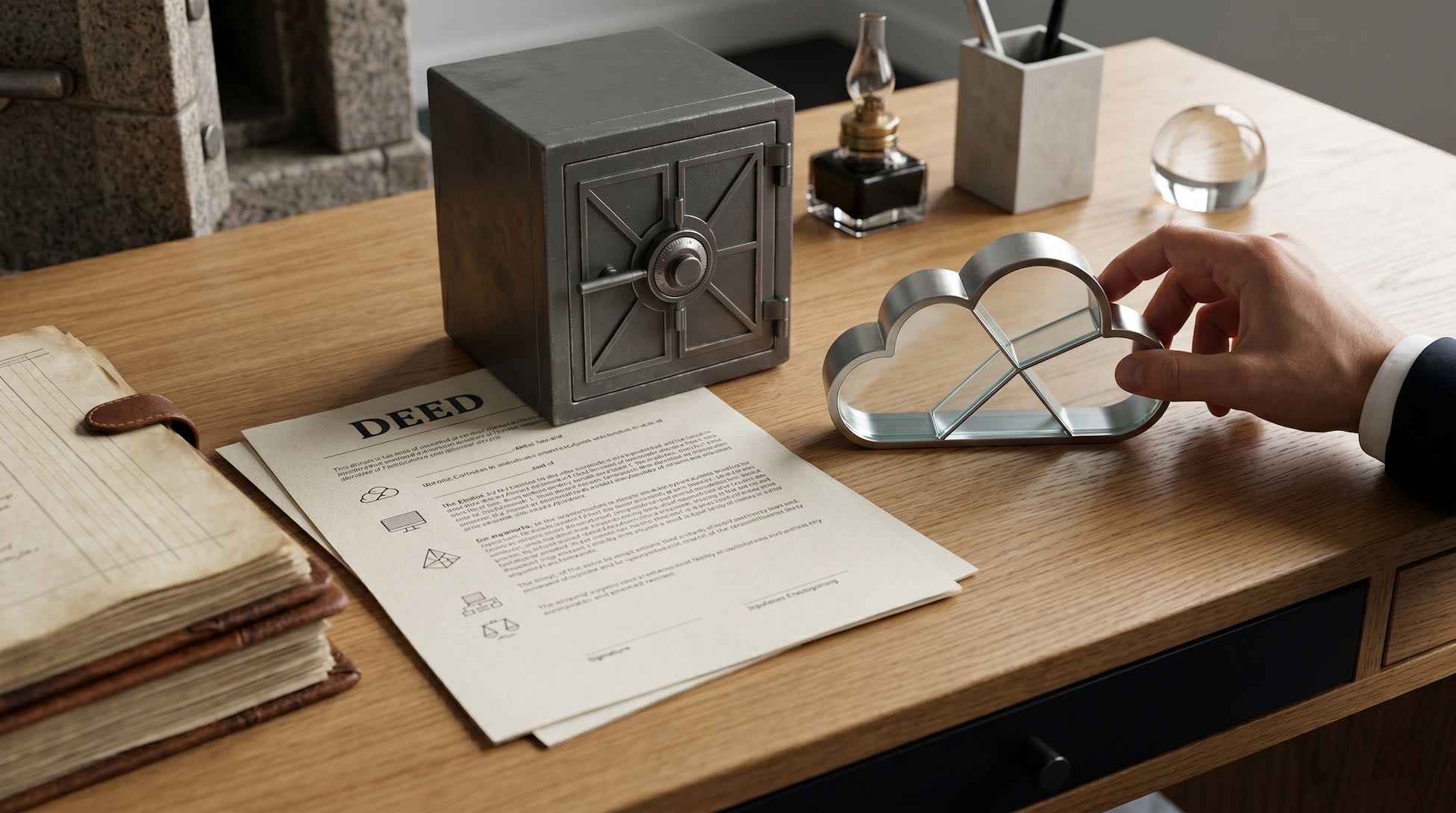
Three tools behind the same name
1. Evidential archiving
This is the world of the French NF Z42-013 standard. It’s built to keep large volumes for a very long time with strong evidential value: payslips, high-stakes contracts. Providers like Coffreo or Digiposte focus on this space.
2. The secure client portal
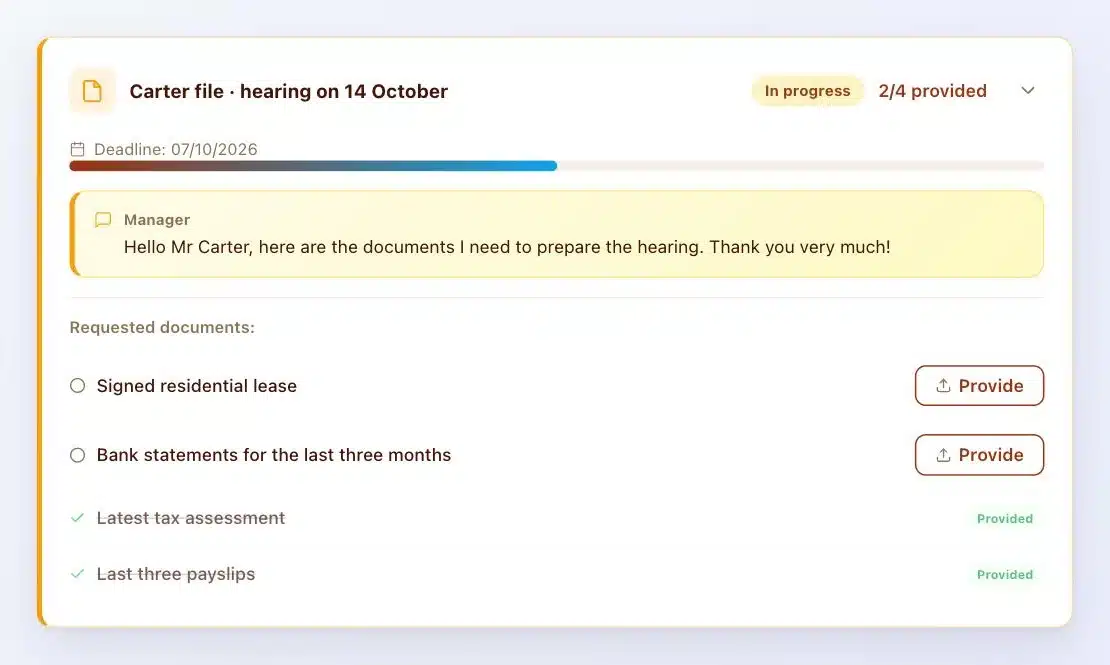
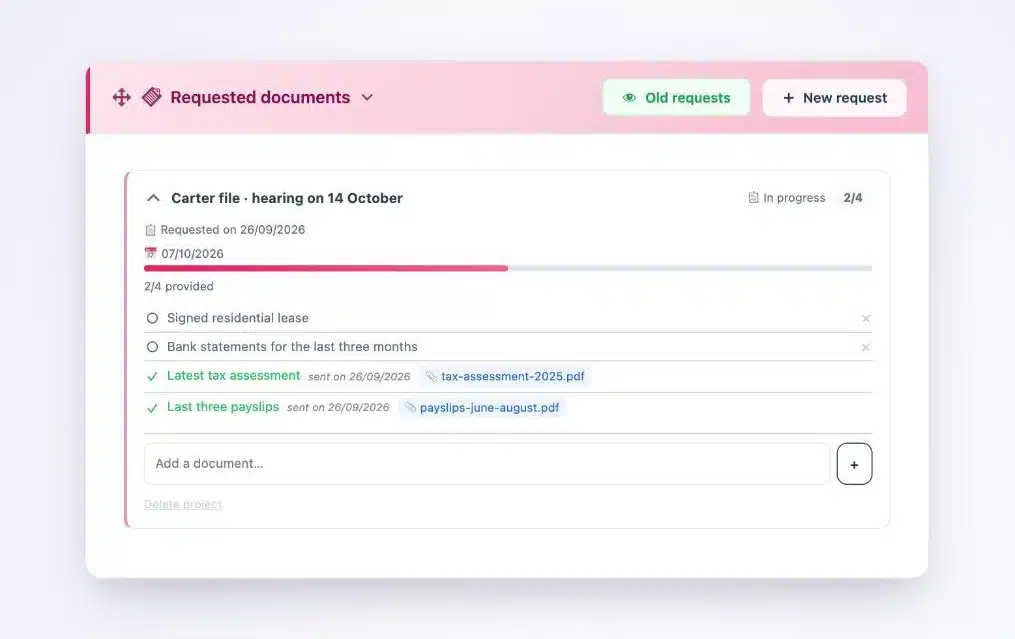
It lets you receive, organize and keep the documents your clients entrust to you, in line with the GDPR and professional confidentiality. Each client has their own space, and you know what has arrived and what’s still to come. This is the Client Vault family.
3. Shared storage
Drive, Dropbox and Box are great at storing and sharing files. They don’t request documents, they don’t send reminders to your clients and they don’t file uploads by case.
What the GDPR expects from a digital vault
Whatever the tool, as soon as it holds personal data, the GDPR applies. Article 32 requires measures suited to the risk: encryption, access control, traceability, backups. Article 28 governs the use of a processor. Article 5 limits how long data is kept.
“[…] the controller and the processor shall implement appropriate technical and organisational measures to ensure a level of security appropriate to the risk.”
GDPR, Article 32, paragraph 1
The text doesn’t set one single standard. The more sensitive the data, the stronger the measures should be.
NF Z42 and HDS: when do you really need them?
The NF Z42 standard covers evidential archiving over long periods. To collect your clients’ documents in a professional practice, the law doesn’t require it. The GDPR and your professional rules are your framework.
Health data is a special case: in France it must be hosted by an HDS-certified provider. The certification applies to the host. Software installed on an HDS server, like Client Vault, benefits from that environment.
To choose your host, I compared OVH, Scaleway, Infomaniak and o2switch.
The right choice for your profession
- HR department handling hundreds of payslips a month: evidential archiving makes sense.
- Allied health professional receiving medical reports: a client portal installed with an HDS-certified host.
- Lawyer, accountant, broker, architect: a client portal installed on your server, with a host in your country.
- Coach, trainer, freelancer, agency: a client portal with your branding, installed on your website.
Where Client Vault fits
Client Vault is a secure digital vault that installs on your WordPress site, with the host of your choice. You own it, and your data stays with you.
- One vault per client, with its folders and documents.
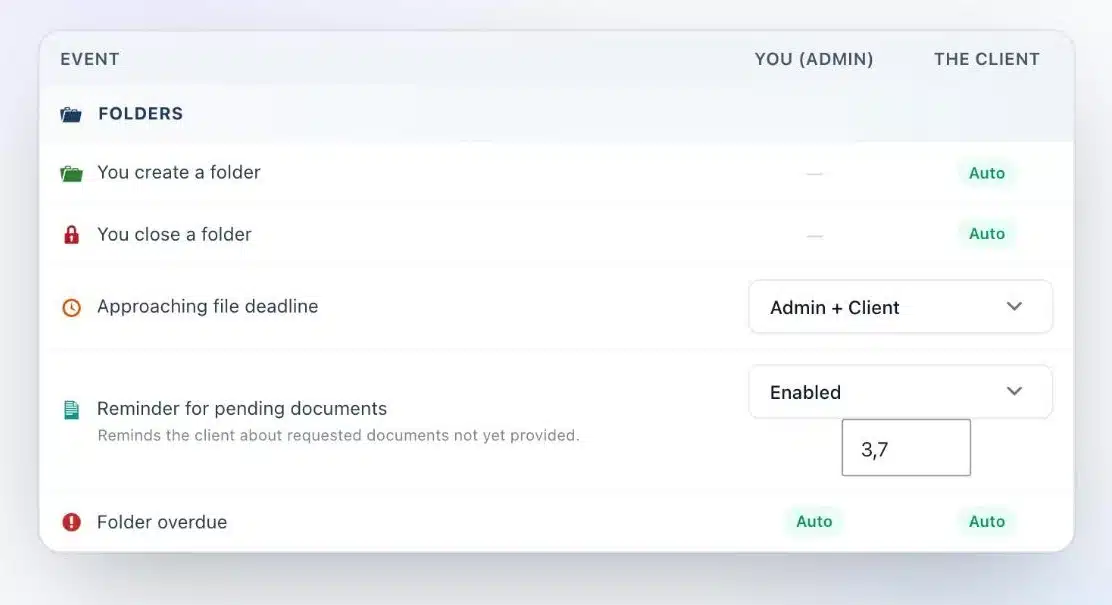
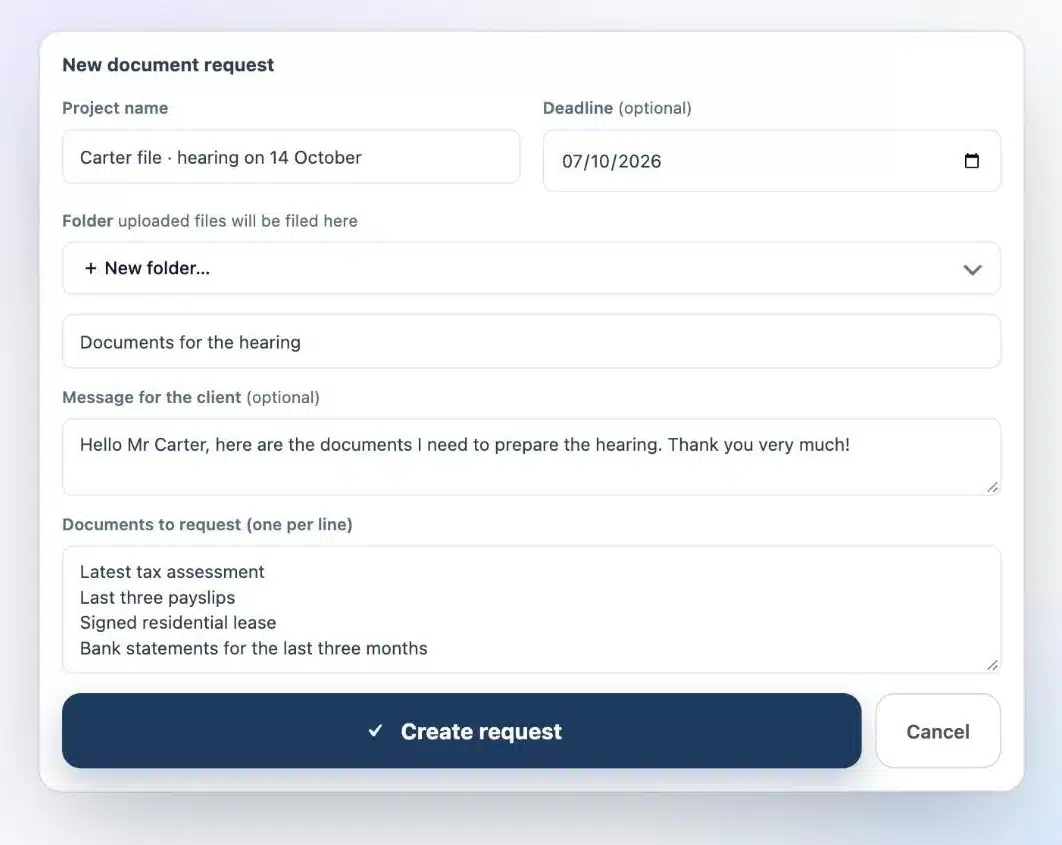
- Document requests with a deadline and automatic reminders.
- Files encrypted with AES-256 on your server.
- A sealed activity log and a ZIP export to hand a file back.
- WordPress’s built-in GDPR tools to export or erase a person’s data.
Are you a WordPress agency?
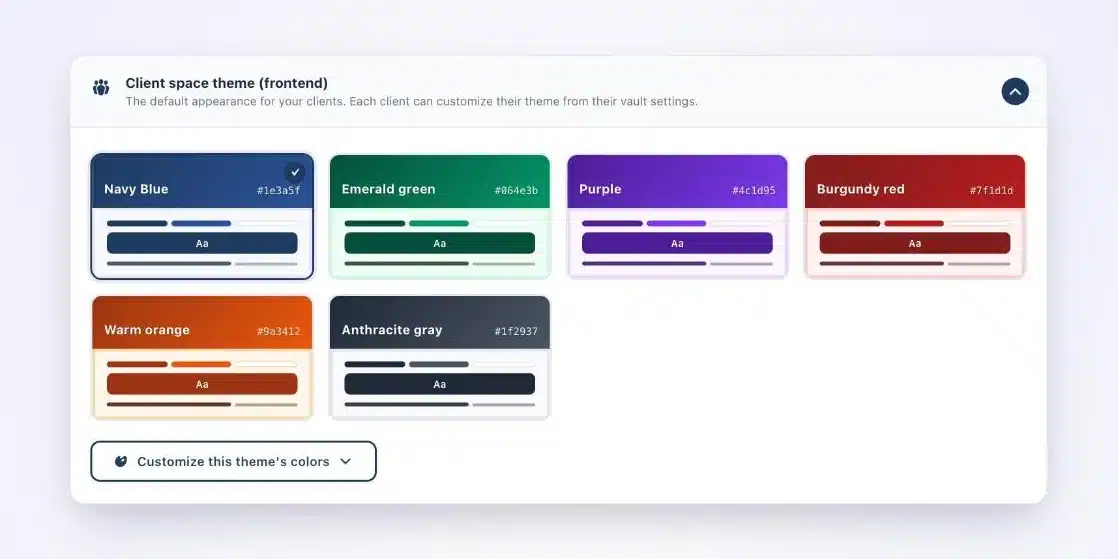
This checklist is your best consulting tool. You guide each client to the right solution, then you install, host and brand their vault in their colors. It’s a clear, billable service.
What Client Vault doesn’t do
Let’s be upfront. Client Vault isn’t an NF Z42-certified archiving system. To keep tens of thousands of documents for decades with strong evidential value, specialized solutions remain the right choice.
It’s also a plugin you own, so your site needs updates and backups. With a trusted agency, it all becomes simple.
Next step
Client Vault
Your firm’s digital vault, on your own server
On a video call, we look at your profession, your documents and your requirements, and I show you the vault in a real-life setting.
- The vault from your client’s side
- Document requests and reminders
- Encryption and the activity log
- Your hosting questions
Frequently asked questions
What is a GDPR-compliant digital vault?
A tool that protects personal data in a way suited to the risk: encryption, access control, traceability, a managed retention period and a clear framework when a service provider is involved.
Is the NF Z42 standard mandatory for a professional firm?
No. It covers evidential archiving over long periods. For collecting client documents, the GDPR and your professional rules set the framework.
Can a WordPress plugin serve as a digital vault?
Yes, for a client portal: Client Vault encrypts files, timestamps every action in a sealed log and organizes documents by client, on your own server.
What’s the difference between a vault and shared storage?
Shared storage organizes and shares files. A vault requests documents, files them by client, timestamps every upload and keeps a history of who accessed what.
Which hosting should I choose for health data?
An HDS-certified host. Client Vault installs on this kind of hosting just like on any WordPress server.
Is file encryption mandatory?
The GDPR lists encryption among the appropriate measures (Article 32). For sensitive data, it’s the expected measure.