Client Vault gains a native advisor-to-client messaging system, hosted within the vault. You write to your clients, they reply, and no content leaves your server: the email serves only as an alert. It fills a gap in FluentCRM, integrates with your automations, and becomes more seamless, even on mobile.
I’m building Client Vault out loud. When a piece is missing, I say so; when I deliver it, I explain why I did it that way. This update stems from an observation many of you have made: there was a lack of a simple way to communicate with a client without leaving your ecosystem and without entrusting your communications to a third-party service. You suggested including your emails in your private vault.
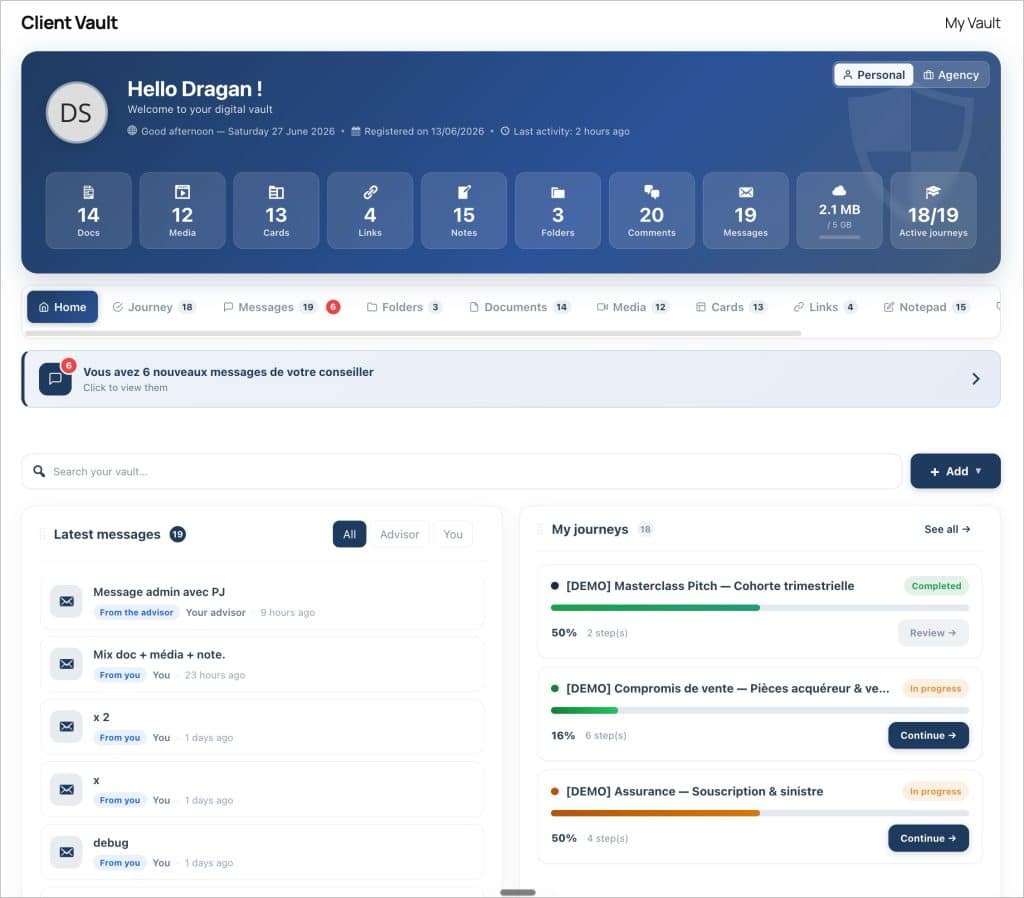
You’ve written to me about this often. I listened, then I made a decision based on what I’ve believed from day one: your conversations with your clients should stay with you. So here’s a proper messaging system, designed for that purpose.

What’s new, at a glance
This version revolves around two main components: messaging and the native integration of messaging and your inbox into Fluent CRM. Here’s what it offers, in a nutshell.
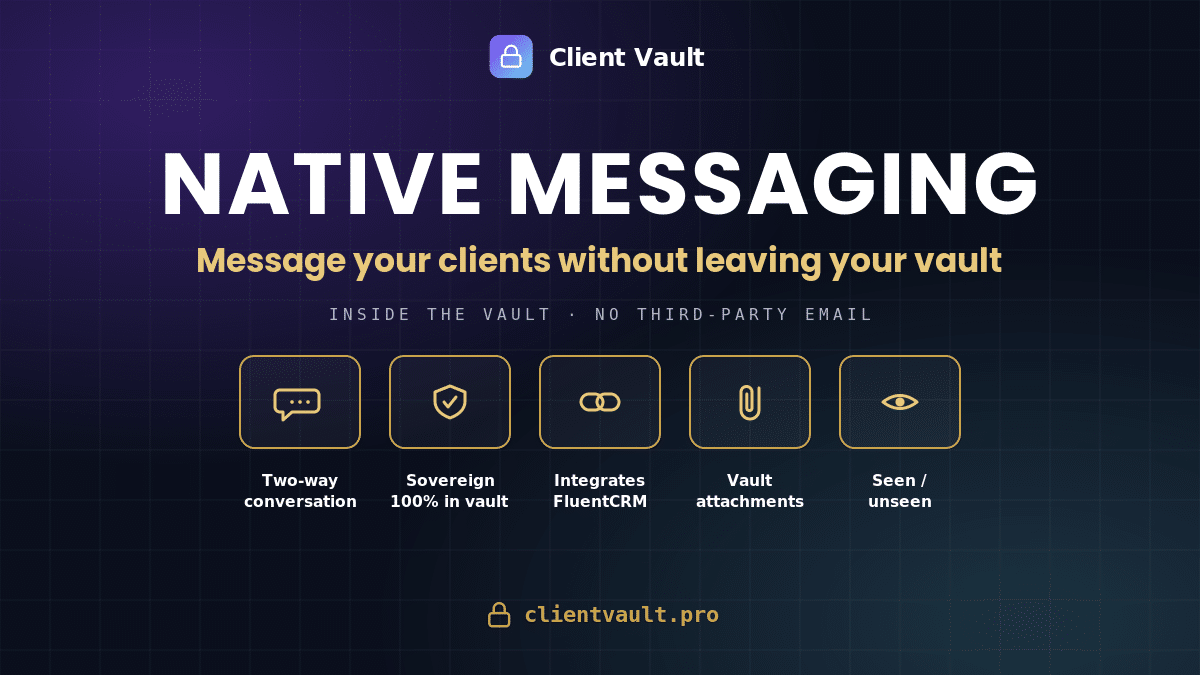
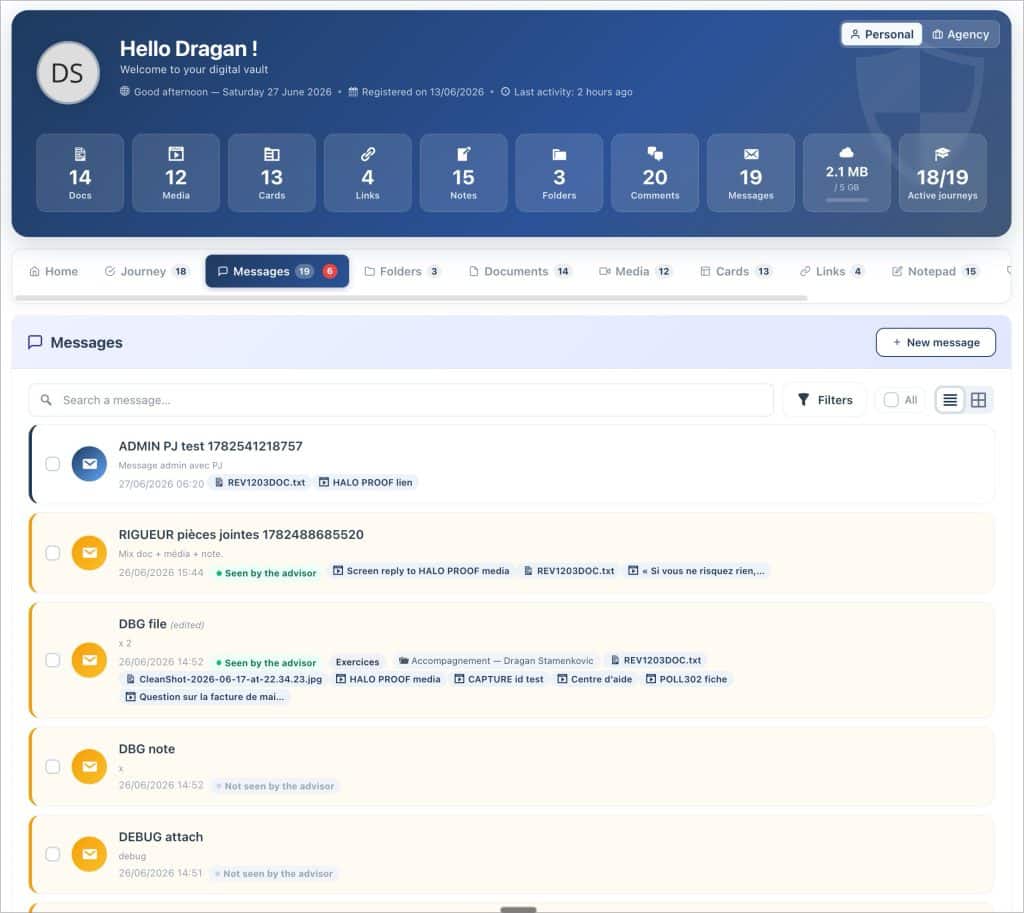
- Advisor messaging↔customer — a discussion thread in the vault; the customer can write to you first, not just reply.
- Object, edition, chest attachments — your messages are written like emails and organized like your documents.
- Folders, tags, search, filters — you can find an exchange in two seconds, by client, subject or period.
- “Seen/Unseen” status, archiving, digest of unread items — you know where each conversation stands, without having to start over into the void.
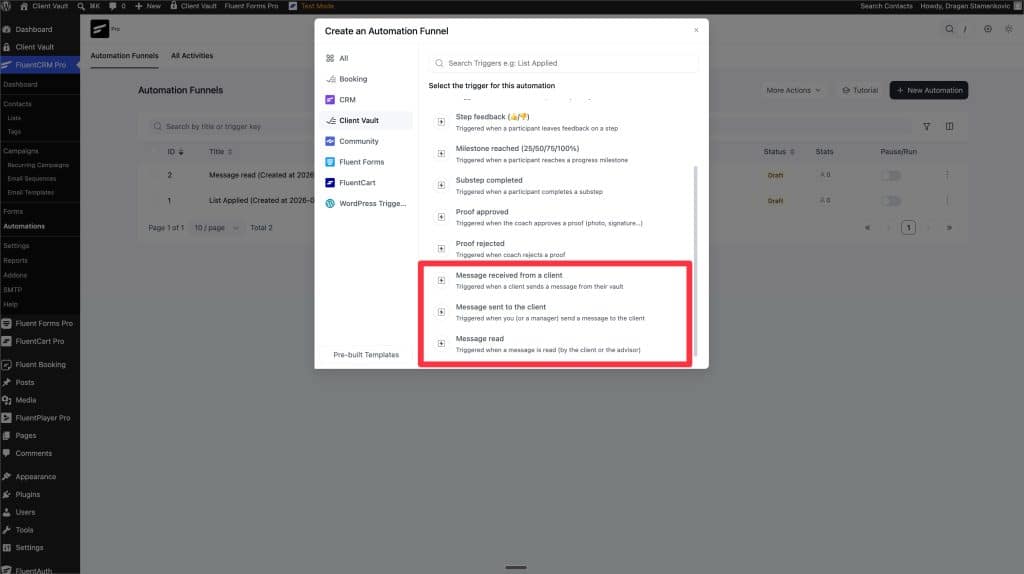
- FluentCRM Integration — the vault opens in the contact record, and the messaging is controlled with three triggers and one automation action.
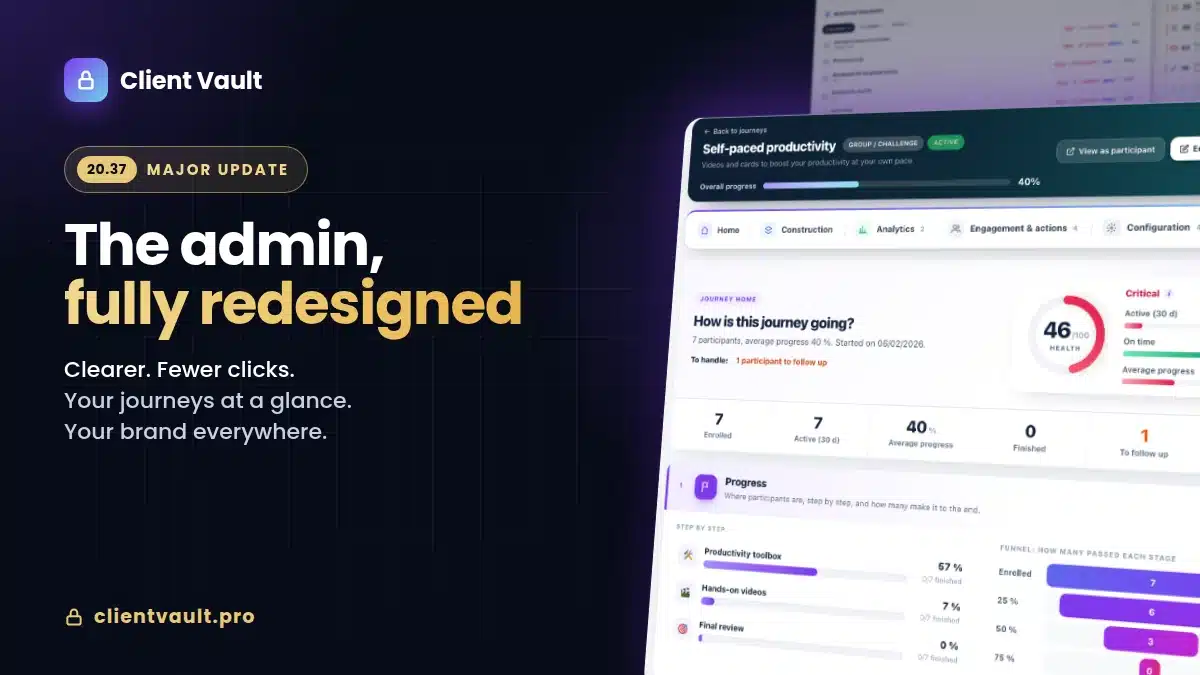
- A smoother interface — redesigned header, ribbon statistics, list views finally readable on phone.
The detail, version by version, lives in the full changelog.
Why not a simple email? Because your communications belong to you.
The easy way would have been to route the messages through an external transactional email service. It was tempting, quick to set up. I refused. Entrusting the content of your customer communications to a third party is precisely what Client Vault was designed to prevent.
So I built a messaging system inside the safe. The messages live in your database, on your accommodationin the country you have chosen. The email that your client and you receive is just one alert : “You have a message,” with a link. The content itself can only be read in the vault. No publisher, no email router sees what you exchange.
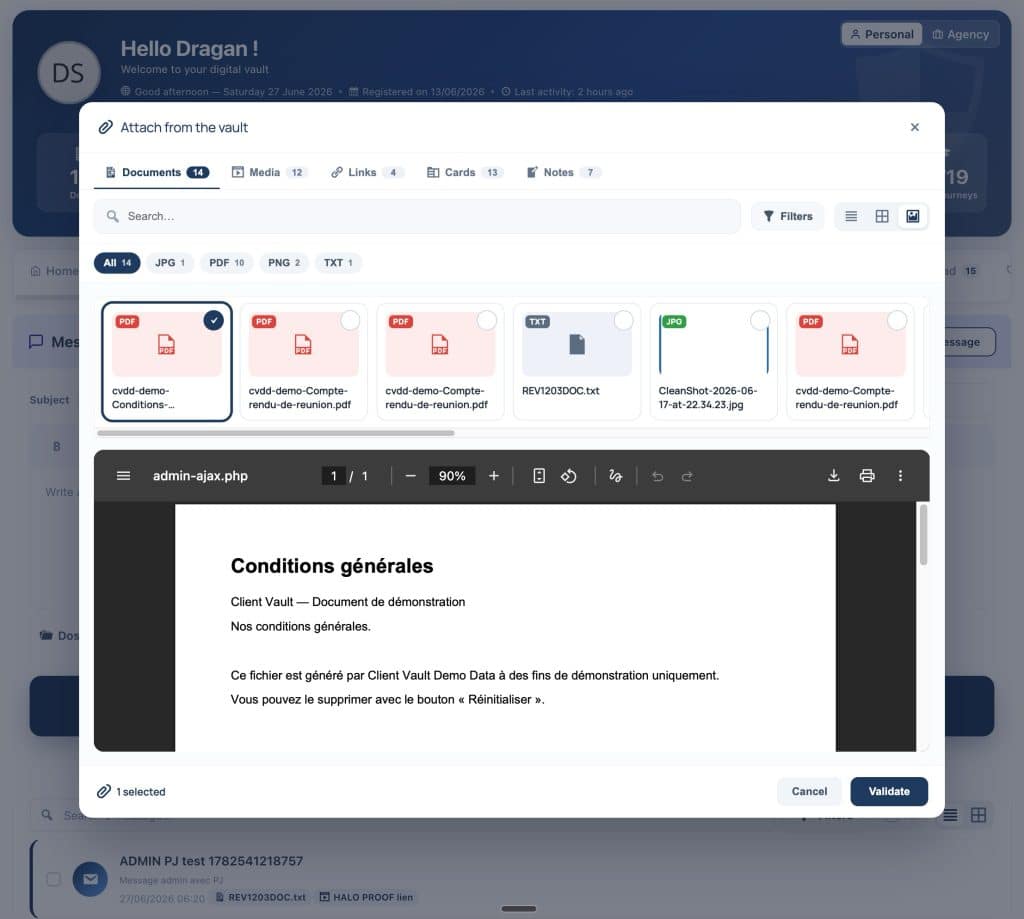
This choice comes at a cost: we had to write the storage, the thread, the read statuses, the search, and the backups ourselves, instead of outsourcing them. But that’s the price of consistency. A promise of sovereignty that stops at the first third-party email service isn’t a promise at all.
Addressing a shortcoming of FluentCRM, natively
FluentCRM is excellent for managing contacts, segmenting, and automating sequences. But it lacks one very simple feature: write a direct message to a customer, which the customer reads in their own space and to which they can reply. Not a campaign, not a newsletter: a conversation, between two people.
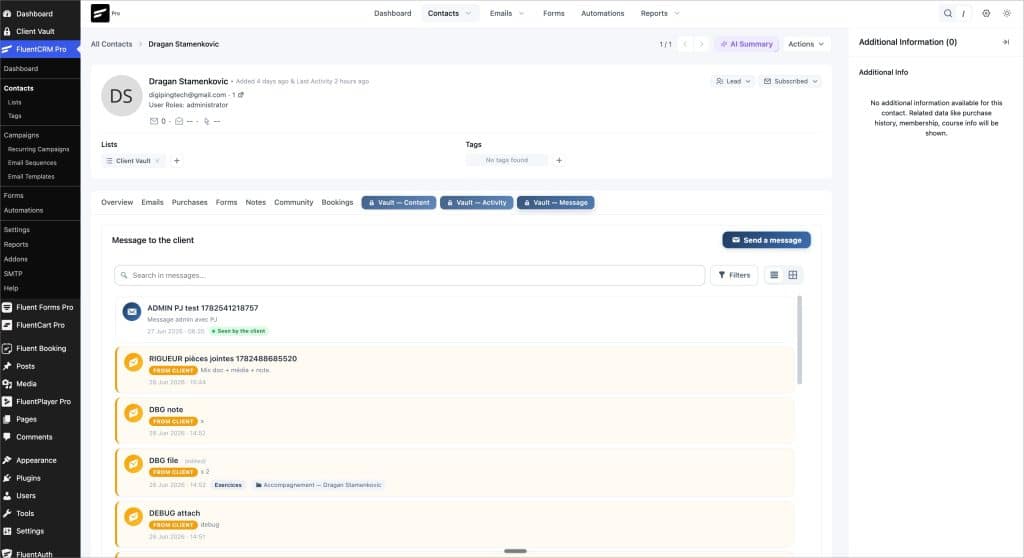
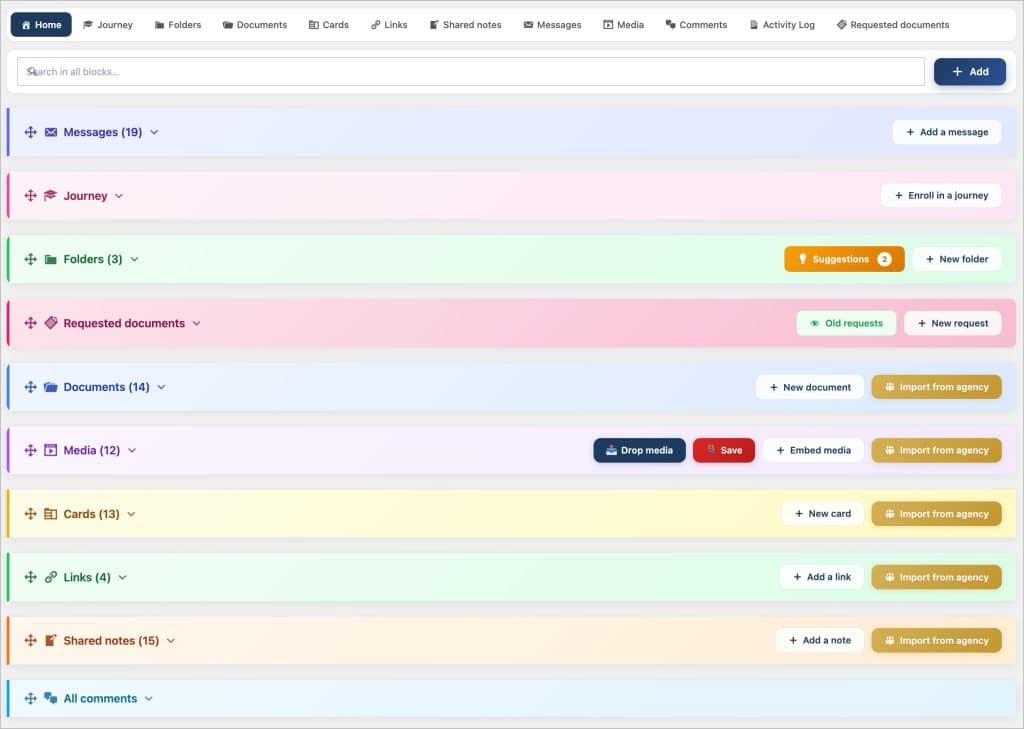
This is precisely what Client Vault now offers, without any intermediary plugins. From the FluentCRM contact record, you open a “Vault” tab and write your message. The client receives the alert, reads the message in their vault, and replies: the thread is created, dated, and searchable. And since everything is connected, you can also trigger an automation upon receiving a message, or send one from a stage in the funnel.
For an agency that serves multiple clients, this is a game changer: a single place for content, activity And the conversation, all reproducible from one client to another. If FluentCRM is already part of your stack, see how the two complement each other on the page email & CRM integration.
Smoother, clearer, even on mobile
A feature is only worthwhile if it’s pleasant to use. Here again, your feedback guided the work. I’ve redesigned the mobile vault header: avatar and title that adapt, the Personal/Agency switch reduced to its icons, and secondary information tucked behind a small icon that opens a profile on hover. We save space without losing anything.
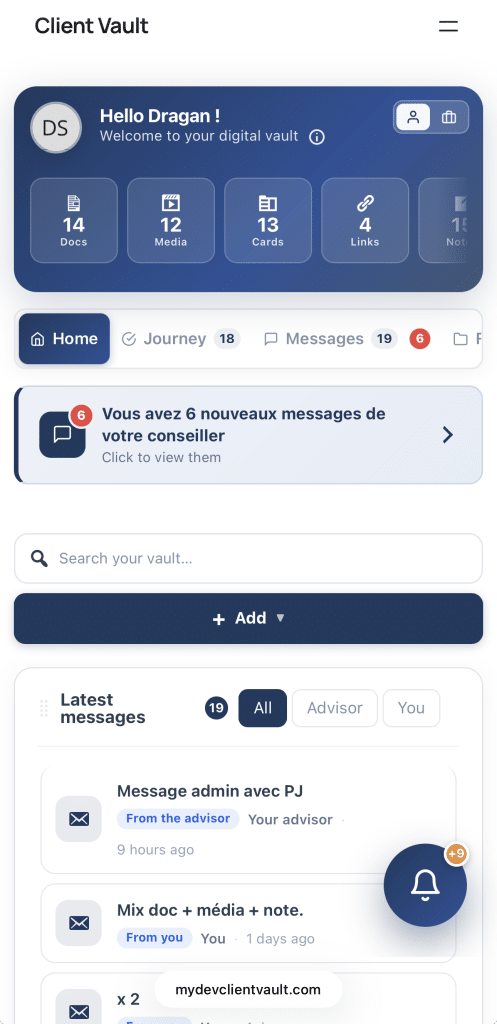
The chest statistics are now horizontal ribbon that scrolls with your finger A single line, a slight fade to the right to indicate there’s more. And list views—documents, media, links, records, messages—no longer break into two columns on small screens: names and attachments become legible again, and actions remain within easy reach. All of this also applies to the agency vault.
While I was at it, I aligned the colors to your theme everywhere, unified the filter bars, and fixed a number of minor display glitches on Safari and desktop. Nothing spectacular on its own; together, it makes the tool much easier to use.
Our course remains unchanged
Adding an email service doesn’t change the rules of the game: your data remains on your server, you are its sole owner, and no service provider has access to it. This is true for documents, and now it’s also true for conversations.
Let’s be honest about the scope, though. This messaging service is a asynchronous wireDesigned for case tracking: it’s not an instant chat like a consumer app, and I didn’t intend to make it one. It’s also part of the offer Pro In single-player mode, it’s visible but locked. You know what to expect before you buy.
Next step
The best way to understand it is to see it in action on a real-world scenario. Book a video demo: I’ll show you the messaging system, the FluentCRM integration, and the vault in real-world conditions, and then you can make an informed decision. The reports and their contents are detailed on the page. offers and prices.
Frequently Asked Questions
How to contact a client directly from WordPress, without an external email address?
You write the message from the customer record (or from FluentCRM); it is saved in the vault and the customer reads it in their account. The email sent is simply an alert with a link: the content does not pass through any third-party service.
Does Client Vault’s messaging replace FluentCRM?
No, it complements it. FluentCRM manages your contacts and automations; Client Vault adds direct customer conversation, which FluentCRM doesn’t offer natively. The two work together.
Does the content of the messages pass through an external service provider?
No. The messages are stored in your database, on your hosting. Only an email alert is sent to the client, without the content. This is a deliberate design choice, in the name of data sovereignty.
Can the client write to me first?
Yes. The customer can initiate a message from their inbox, not just reply. On the business side, their message thread appears with a “received from customer” marker.
Can I trigger a FluentCRM automation upon receiving a message?
Yes. There are three triggers (message received, sent, read) and one action allows you to send a message from a funnel stage, with targeting by customer.
Are messages included in backups and exports?
Yes. Message threads and their replies are part of the vault backups and exports, just like your documents.
Is the messaging feature available in the Solo edition?
It’s part of the Pro plan. In Solo mode, it remains visible but locked, with an invitation to upgrade to Pro. Details of the editions are on the pricing page.