Professional secrecy covers every document in the case file, whatever route it took to reach you. Here are the seven points that let you demonstrate it calmly, and how a vault installed on your own server handles them all at once.
Your firm’s inspection is coming up. You know you’ll be asked how you protect the documents your clients send you. By email, by WhatsApp, on that shared folder you opened last year as a quick fix.
Rest assured: the question is simple, and the answer can be too. You just need to know where your documents are, who sees them, and be able to show it.

What Article 66-5 says exactly
“[…] correspondence exchanged between the client and their lawyer […] interview notes and, more generally, all documents in the case file are covered by professional secrecy.”
Article 66-5 of French Law No. 71-1130 of December 31, 1971
The word “document” is broad, and that’s intentional. It covers the PDF your client sent, the scan made at the office, your interview notes and the timeline you prepared for your submissions.
The text doesn’t impose any software on you. It gives you a responsibility: choosing a tool that protects these documents from the start of the case to the end. That’s the choice you need to be able to explain.
The 7 points that give your firm peace of mind at inspection
1. You know who accessed what
For each case, you can see who uploaded, viewed or downloaded a document, and when. A dated, reliable log that no one can quietly alter.
2. Each client has their own space
One client’s documents never mix with another’s. Each client sees their own file, and only theirs.
3. You know the date of receipt
When a client uploads a document, the upload date is recorded. You know what arrived, and when.
4. Files are encrypted on disk
Encryption in transit isn’t enough. What counts is the file sitting on the server. It needs to be encrypted too.
5. You control the retention period
The GDPR asks you to keep data only as long as necessary. At the end of a case, you archive or delete, according to your obligations.
6. Your documents stay under your jurisdiction
Software made in the United States can be subject to an access request from US authorities under the CLOUD Act. A vault installed on your server, with a host in your country, keeps you in control of your data.
7. You return the file in a few clicks
Your client can ask for their documents at any time. You should be able to hand them back in a readable format, in minutes rather than a full day.
Why a vault installed on your server checks all seven boxes
When the vault runs on your own WordPress site, you control the server, the host and the country. The seven points become settings you manage yourself, rather than promises from a distant vendor.
That’s what Client Vault does: a secure digital vault that you install and own.
- One vault per client, with its folders and documents.
- Files encrypted with AES-256 the moment they reach your server.
- A sealed activity log: every upload, view and download is timestamped, and any later change shows.
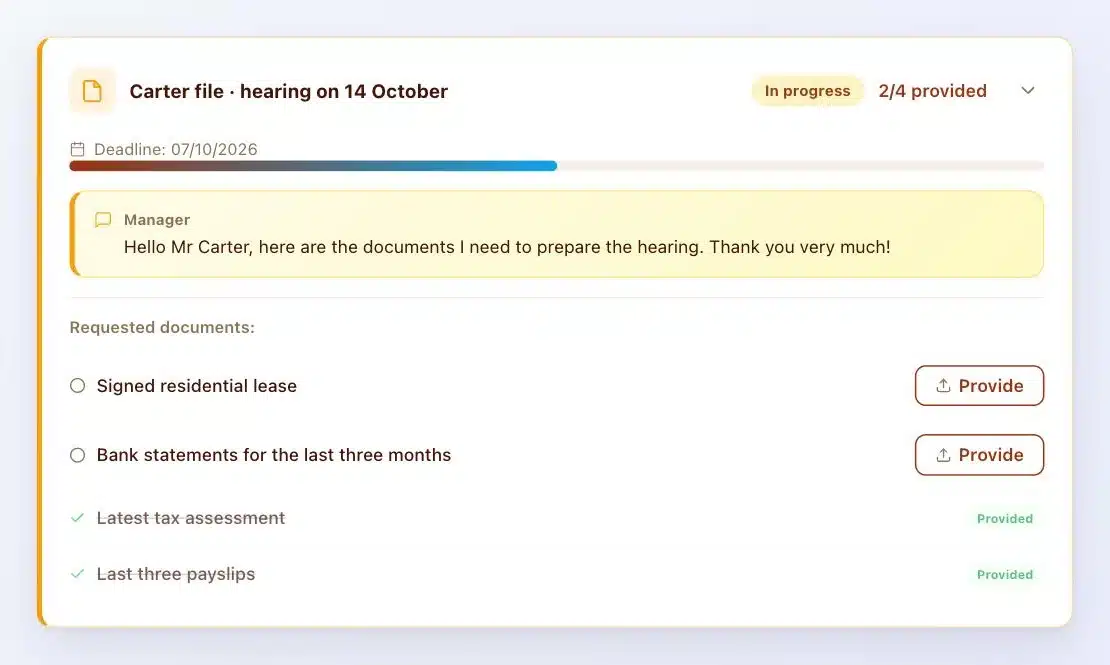
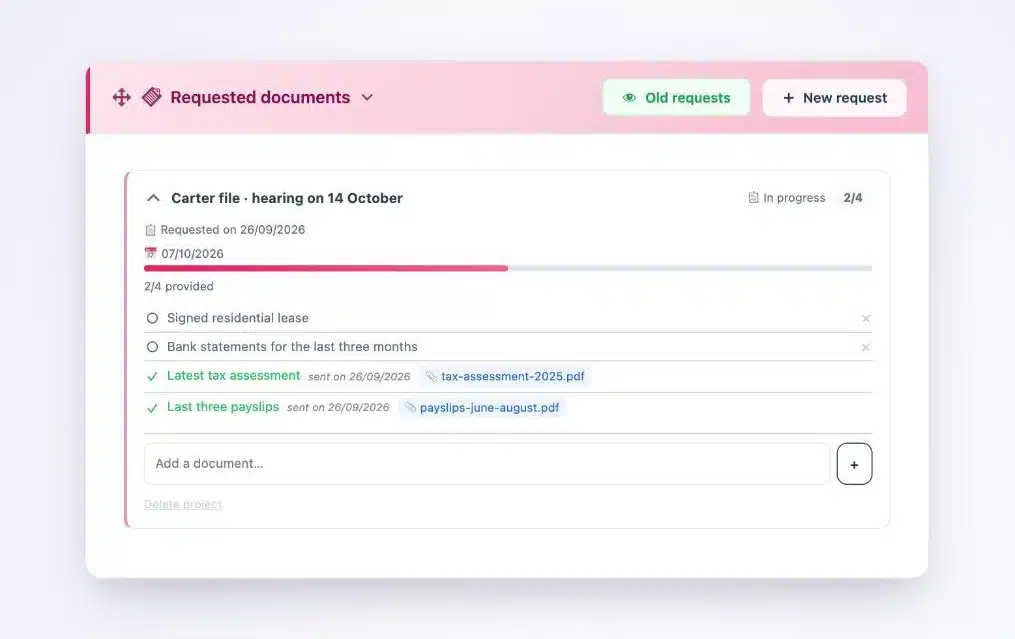
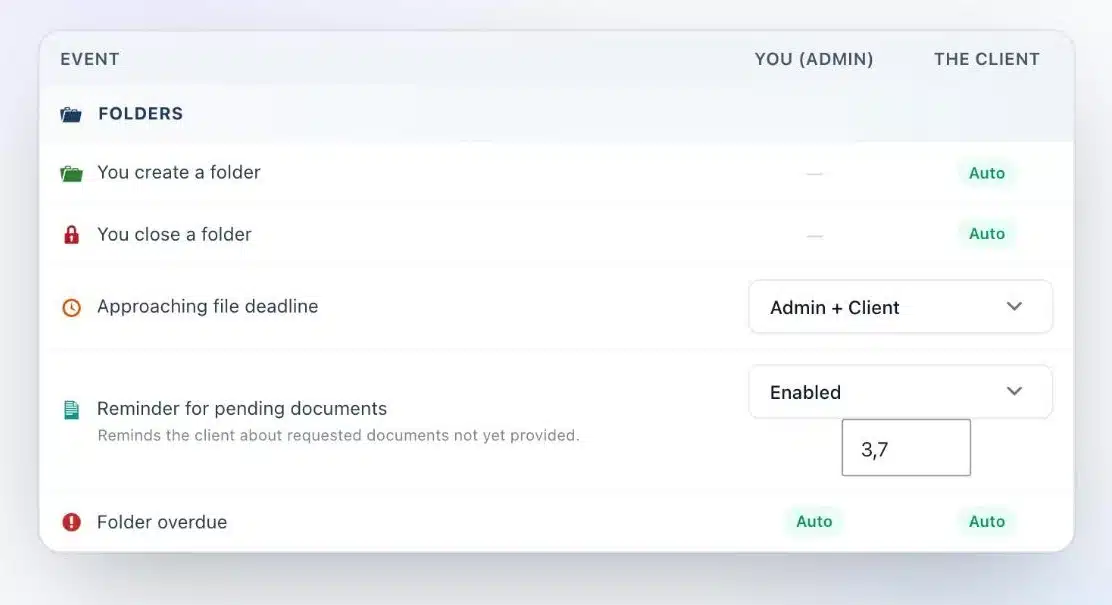
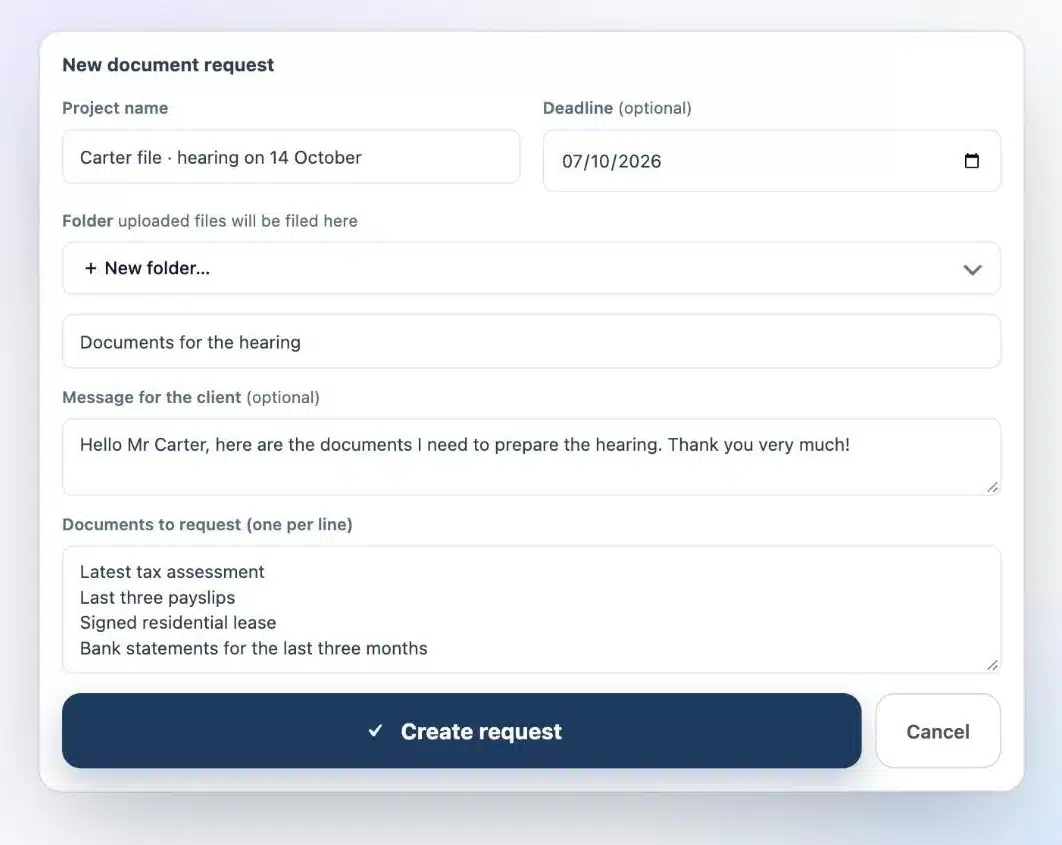
- Document requests with a deadline and automatic reminders.
- A ZIP export of the vault, followed by read-only archiving.
For day-to-day collection, I’ve detailed the method in this article on collecting your case documents.
Are you a WordPress agency?
Preparing a firm for its inspection is a concrete, billable engagement: hosting, security, setting up the vault in the firm’s branding, training the team. It’s all detailed on the lawyers and notaries page.
Three actions to start this month
- Take inventory. Note where the documents for your last ten cases live.
- Spot the most exposed point. It’s often the document received on WhatsApp or by email.
- Switch channels for your next case. Not all of them, just the next one. You’ll see the difference within the first week.
What Client Vault doesn’t do
Let’s be upfront. Client Vault doesn’t do qualified electronic signatures, and it doesn’t replace your practice management software for billing. It handles exchanges and documents with your clients.
It’s also a plugin you own: your site needs updates and backups. With a trusted agency, it’s simple.
Next step
Client Vault for lawyers
A file ready for inspection, every day of the year
On a video call, I show you the vault, the activity log and the export, and we look together at what your firm needs.
- The vault from your client’s side
- The activity log
- Exporting the file
- Your hosting questions
Frequently asked questions
What does Article 66-5 of the 1971 law cover?
Correspondence between lawyers and their clients, interview notes and, more generally, every document in the case file, whatever channel it arrives through.
Is an online shared folder enough to protect documents?
It lets you share, but it doesn’t always separate clients, doesn’t timestamp uploads and depends on a vendor. One vault per client, on your server, answers an inspection’s questions more simply.
How can I prove when a document was received?
In Client Vault, every upload is dated in the vault and recorded in the activity log, which is sealed: any later change can be detected.
Where are documents stored with Client Vault?
On your own server, with the host and in the country of your choice. Files are encrypted there with AES-256.
How do I return a client’s file to them?
You export their vault as a ZIP archive, then archive it in read-only mode.