Your clients love WhatsApp, and that’s perfectly natural. I’ll show you how to keep that ease for conversations, and give every case document a secure, traceable, organized home on your own server.
“I’ll just send it on WhatsApp, it’s easier.” How many times have you heard that this year? For a quick message, no problem. For a photo of a deed, a scanned agreement or an expert’s report, it’s another story.
I’ll be direct: WhatsApp is an excellent conversation tool. It simply wasn’t designed to hold a lawyer’s case file. And Article 66-5 of the French law of December 31, 1971 makes no distinction between a document received by mail and one received on a phone.

WhatsApp encryption protects the journey, not the case file
WhatsApp encrypts messages end to end. In transit, no one can read them, not even Meta. That’s a real strength.
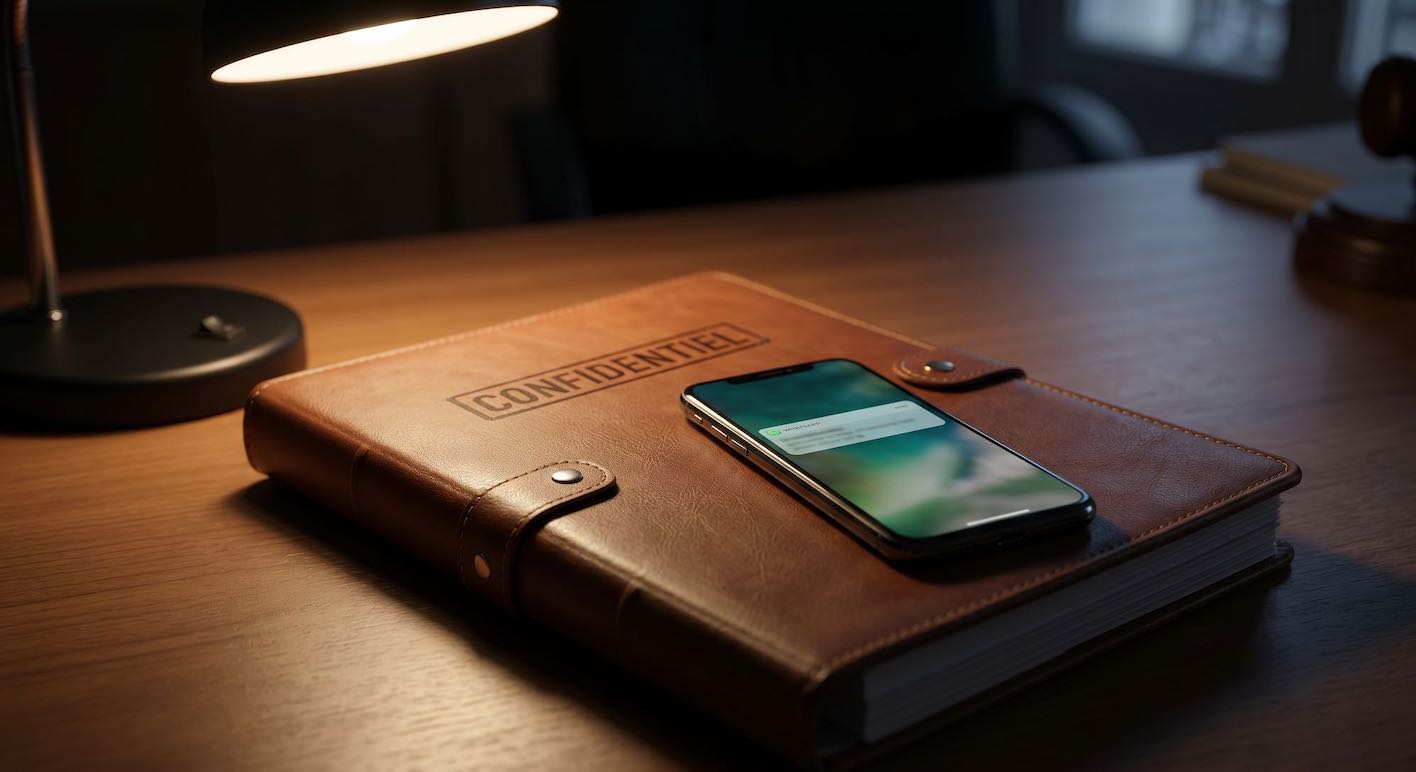
But a case document doesn’t just travel. It’s then stored, viewed, forwarded to a colleague and returned at the end of the engagement. On WhatsApp, it lives in a phone’s photo gallery, mixed in with family pictures, and goes wherever the device goes. The blue check marks tell you a message was read. They don’t tell you where the document is filed.
Signal, Telegram and iMessage raise the same question. Each has its strengths for chatting. None of them files documents by client, with a date of receipt and a history.
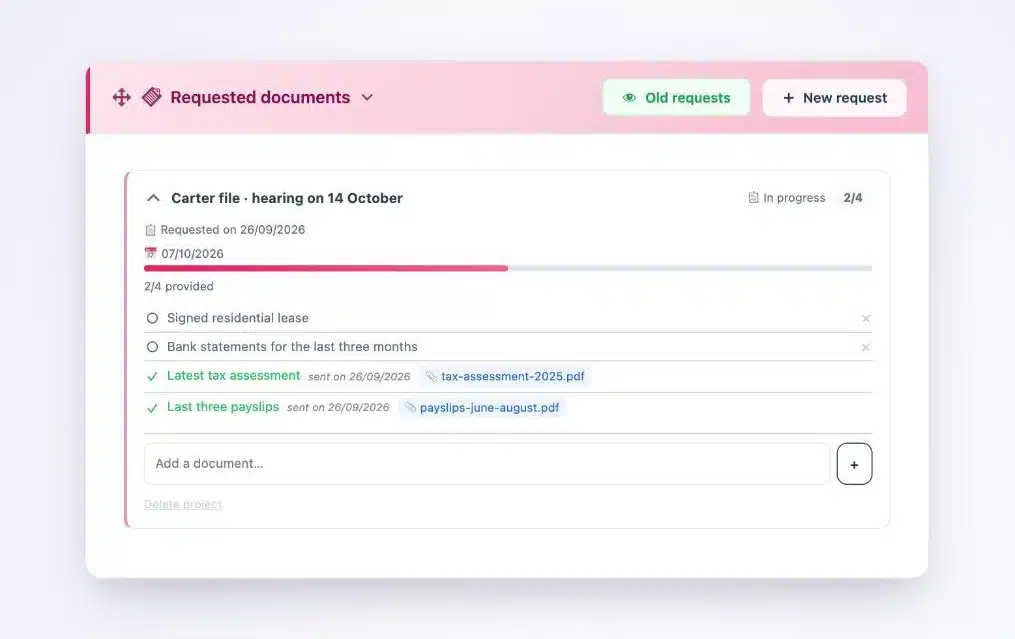
A vault does the opposite: every document lands in the right client’s file, with its date, and you instantly see what’s still to come.
What Article 66-5 expects from the channel you choose
“[…] correspondence exchanged between the client and their lawyer […] interview notes and, more generally, all documents in the case file are covered by professional secrecy.”
Article 66-5 of French Law No. 71-1130 of December 31, 1971
The text doesn’t impose any tool on you. It gives you a responsibility: knowing where the documents are, who sees them, and being able to return them to your client. In practice, four questions are enough to judge a channel. Where is the document stored? Who can open it? Can you prove when you received it? Can you return it cleanly?
I’ve detailed the points an inspection looks at closely in this article on Article 66-5 and the French Bar audit.
Keep WhatsApp for talking, give documents a vault
The right answer isn’t to ban messaging. It’s to separate the uses. A quick question on the way to court? A message. A case document? The vault.
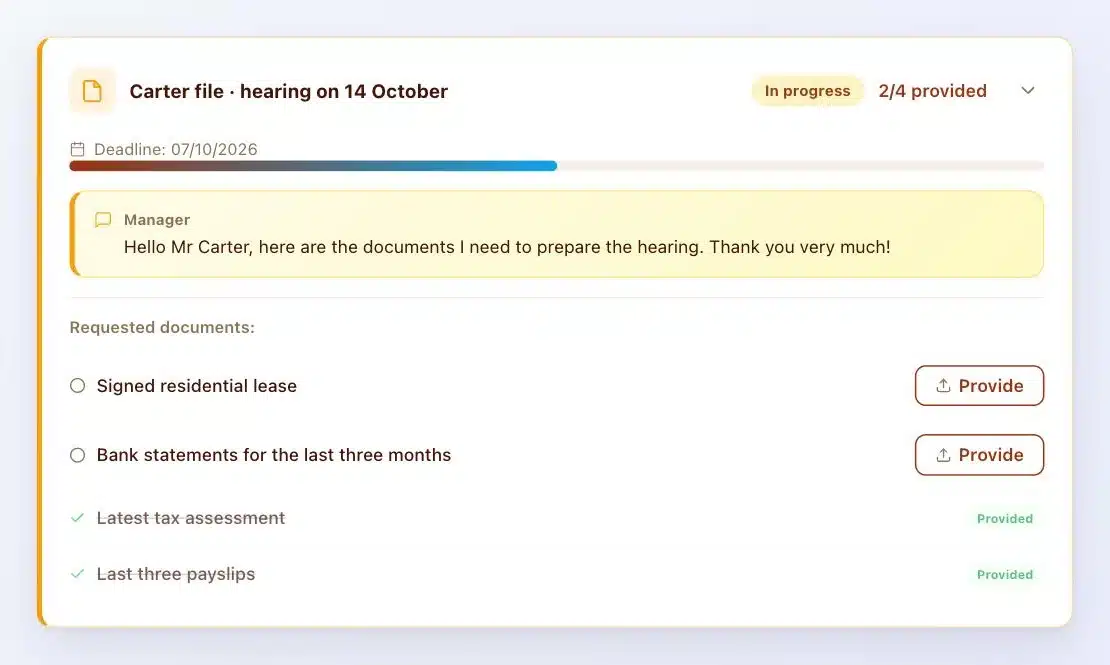
This separation makes life easier for everyone. You no longer wonder whether Mr Carter’s document is in your email, on WhatsApp or in a text from last Tuesday. It’s in his vault. And your client no longer has to wonder whether he already sent you his tax notice: his list tells him.
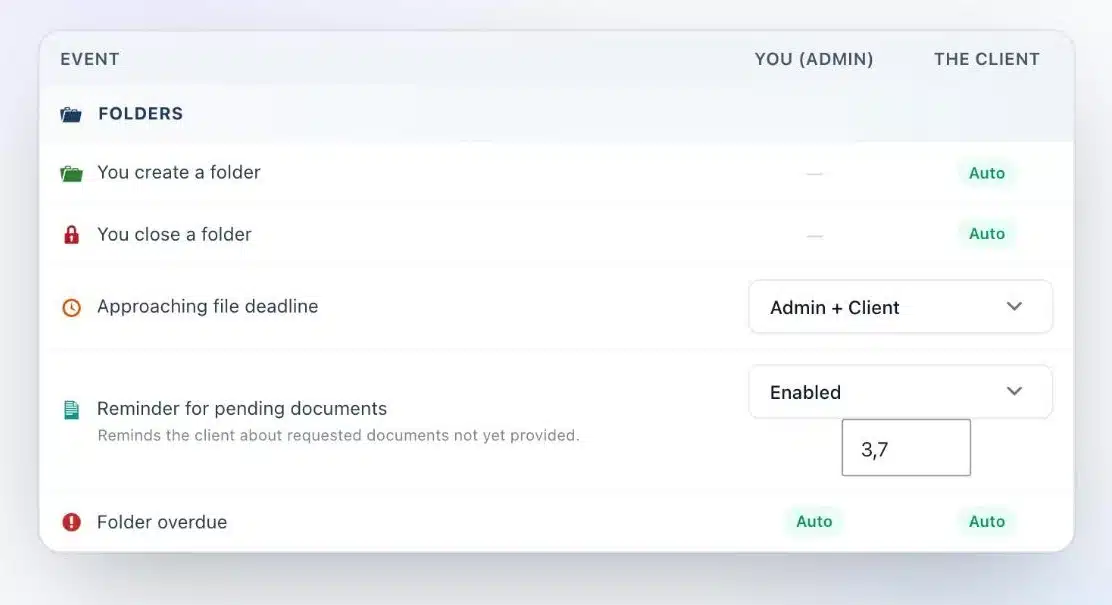
And when your client forgets a document, the vault reminds him for you, on the days you’ve chosen.
How Client Vault delivers, in practice
Client Vault is a secure digital vault that installs on your WordPress site. Each client has their own vault, just for them.
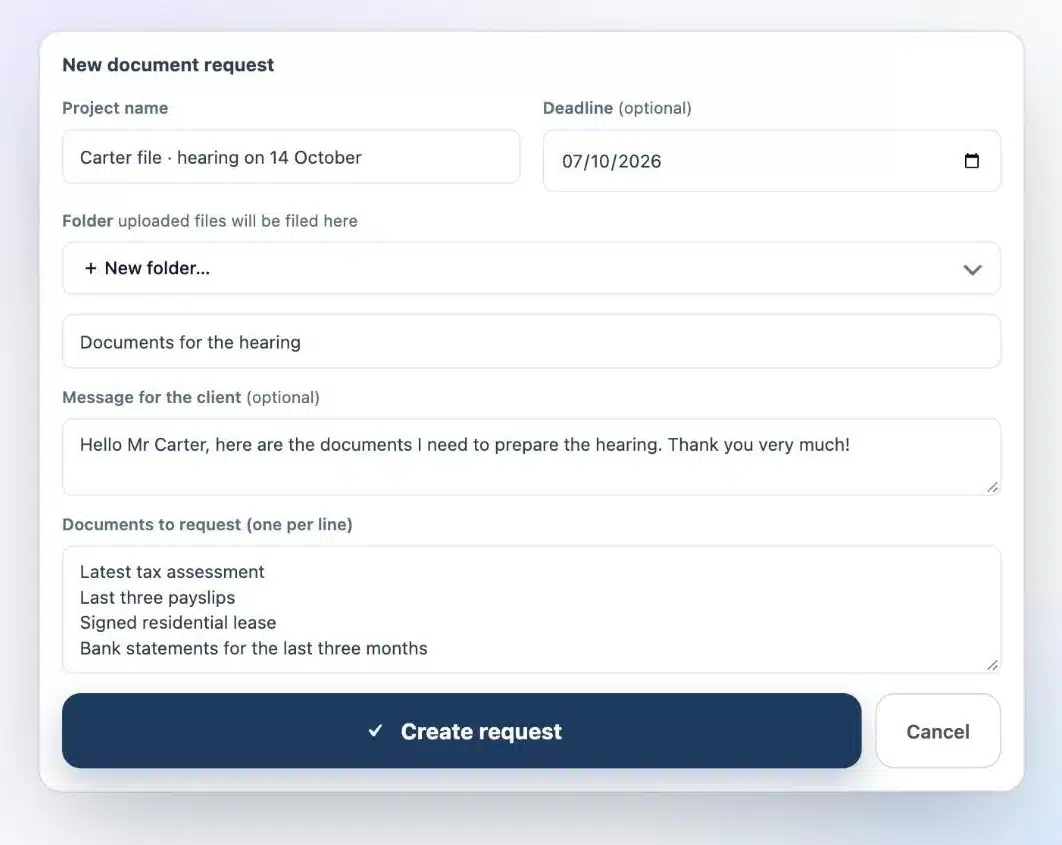
- A clear request. You list the documents you need, one per line, with a deadline and a short message.
- Uploads in the right place. Your client uploads each document to their vault from their browser, with no app to install.
- Encrypted files. Every document is encrypted with AES-256 the moment it reaches your server.
- An activity log. Uploads, views and downloads are timestamped, and the log is sealed: any later change shows.
- Simple handover. At the end of the engagement, you export the file as a ZIP archive.
Everything stays on your server, with the host you choose, in the country you choose. No vendor, including me, can see your documents. To choose your host, I compared OVH, Scaleway, Infomaniak and o2switch.
Are you a WordPress agency?
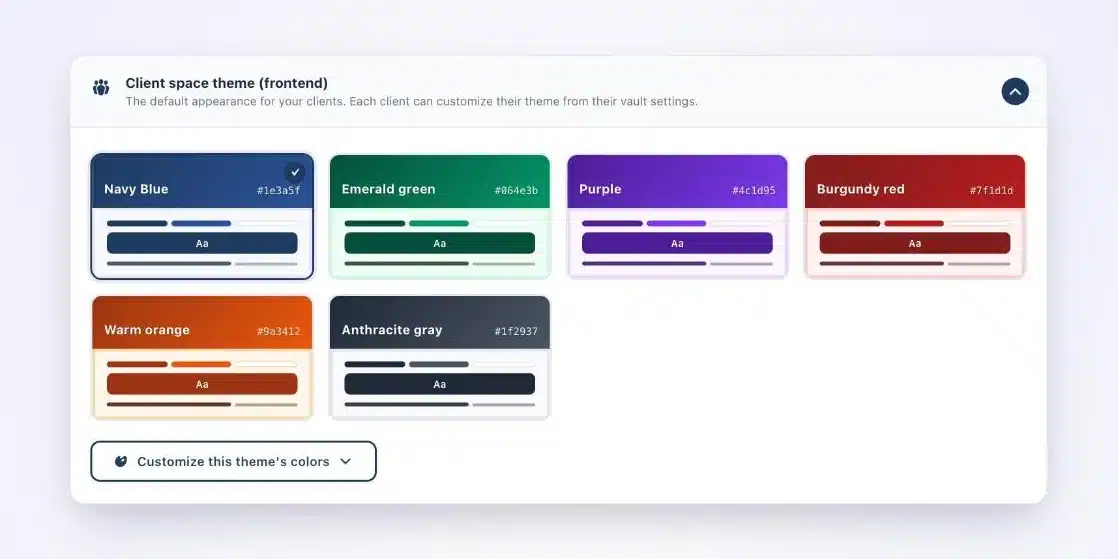
A law firm quickly sees the benefit: less wasted time, more peace of mind on professional ethics. You install, host and brand the vault in the firm’s colors, and you train the team. It’s all detailed on the lawyers and notaries page.
What Client Vault doesn’t do
Let’s be upfront. Client Vault doesn’t replace WhatsApp for quick conversations, and that isn’t its role. It doesn’t do qualified electronic signatures either: Yousign or Universign handle that very well, alongside it.
It’s also a plugin you own. Your site needs updates and backups. With a trusted agency, it’s simple. On your own, plan a little time for it.
Next step
Client Vault for lawyers
Your documents in the right place, your conversations wherever you like
On a video call, I show you the vault from the firm’s side and the client’s side, and we look together at how well it fits the way you work.
- A document request created live
- The vault from your client’s side
- The activity log and export
- Your hosting questions
Frequently asked questions
Can a lawyer use WhatsApp with clients?
Yes, for conversations. For case documents, a channel where you control storage, access and handover is the better choice, such as a vault installed on your own server.
Is end-to-end encryption enough to respect professional secrecy?
It protects the message in transit. Secrecy also covers how documents are stored, accessed and returned, which depends on where they’re kept.
Is Signal a better option than WhatsApp for a lawyer?
Signal is very good for chatting. Like WhatsApp, it doesn’t file documents by client or keep a history of uploads. For documents, a dedicated vault is the better fit.
Does my client need to install an app?
No. They receive an email, open their vault in their browser and upload their documents. Their vault is displayed in their language.
How do I return the file at the end of the engagement?
You export the client’s vault as a ZIP archive. The activity log keeps a record of every upload and every view.
Where are documents uploaded to Client Vault stored?
On your server, with the host of your choice. Files are encrypted with AES-256 and no vendor has access to them.