
Your agency already manages the firm’s site. Offering a secure digital vault to your lawyer clients does them a real service and builds a lasting engagement. Here’s how to present it simply.
You have law firms among your clients. You know their site, their host, sometimes their assistant. And you know how they receive documents from their clients: by email, by WhatsApp, a bit of everything.
This is a great opportunity. The firm has a real need, and you’re the best placed person to meet it.

Why your agency is best placed
A vault installed on the firm’s site calls for three skills: WordPress, hosting and security. You already have them. The firm, for its part, wants a trusted contact, not one more vendor.
And unlike subscription software the firm buys on its own, here it’s you who installs, configures and supports it.
The two-minute pitch
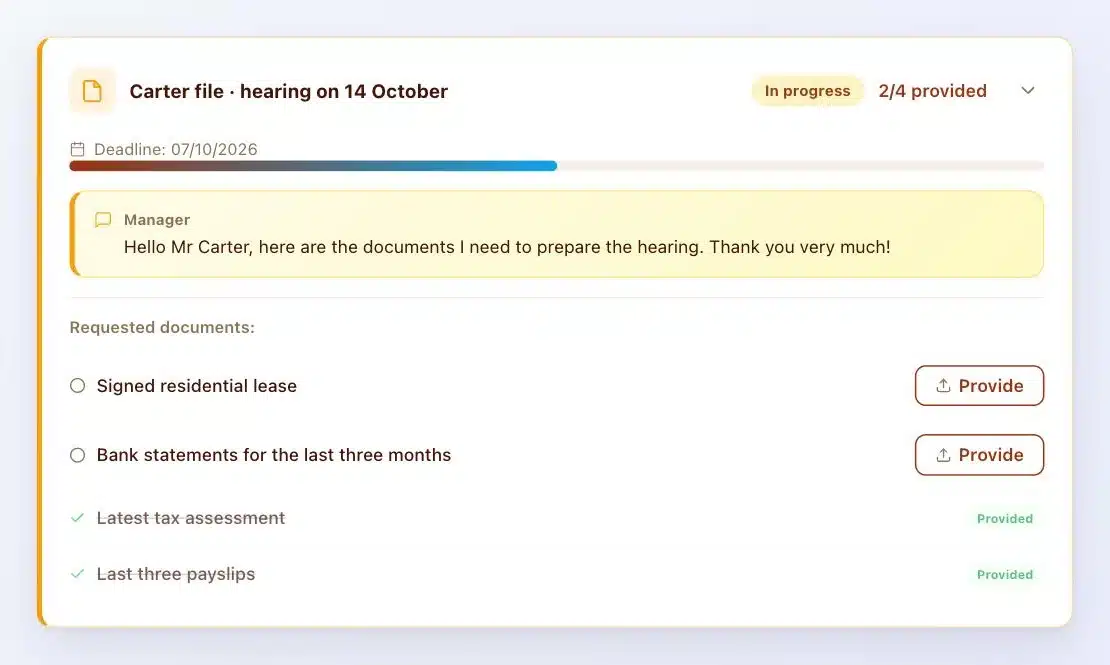
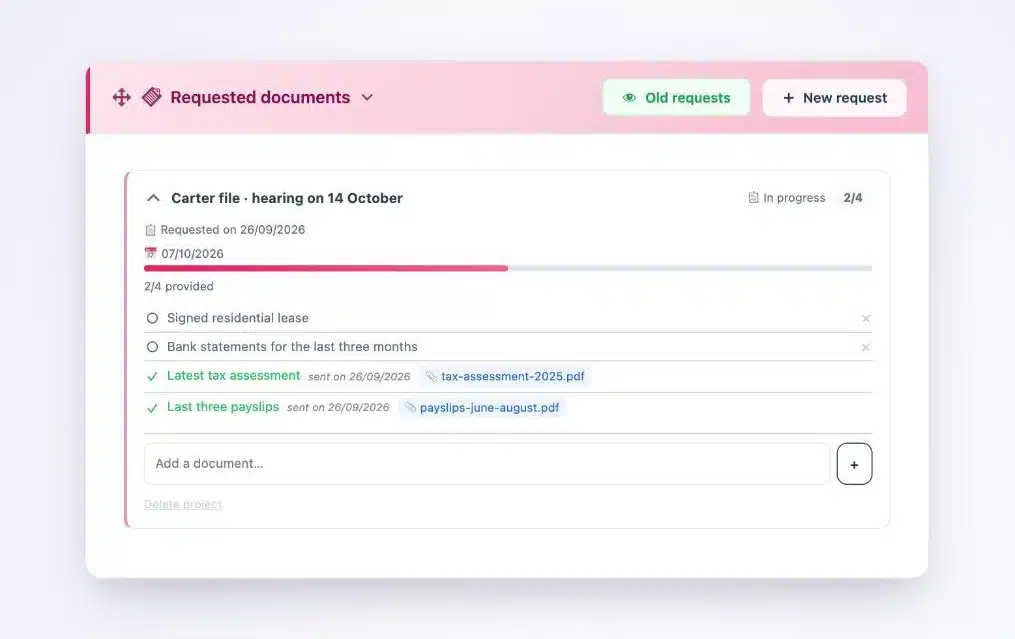
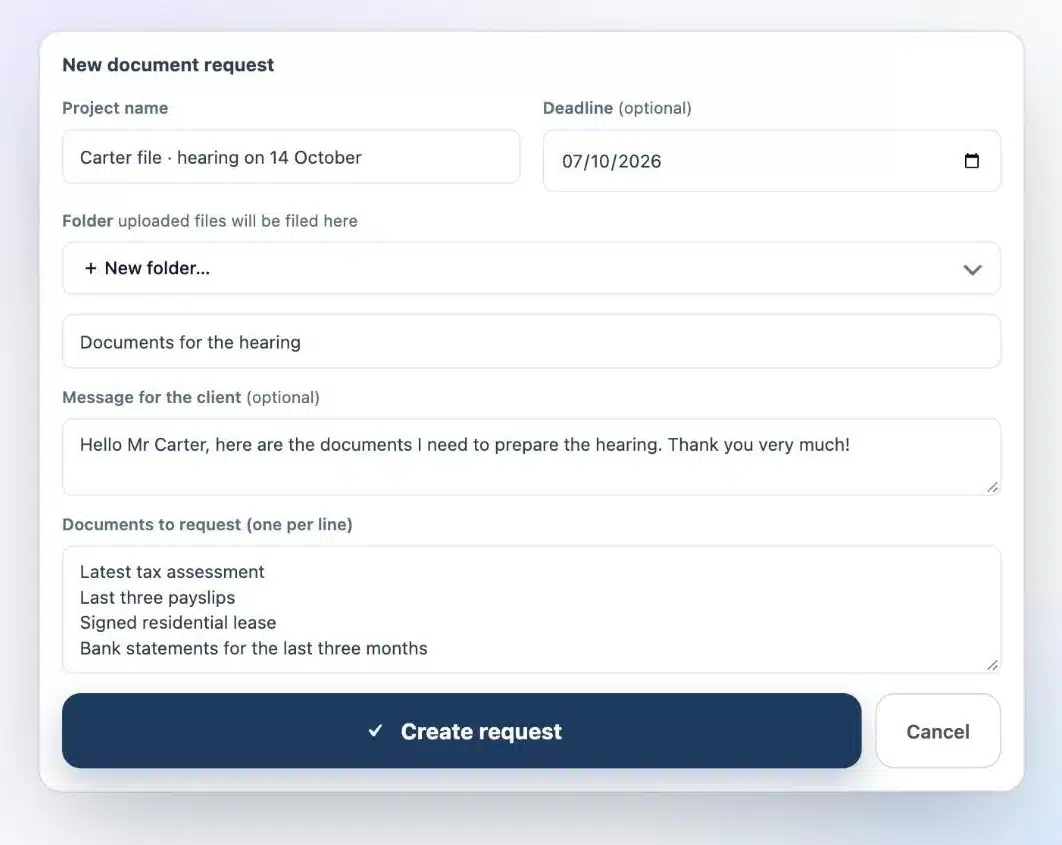
“Right now, your clients send you their documents by email and on WhatsApp, and you chase them by hand. I’m offering you a vault under your own name, installed on your site. Each client sees the list of documents to provide, uploads them, and the vault chases them for you. Everything is encrypted, timestamped, and stays on your server.”
The pitch, to adapt to your own style
The arguments that resonate with a lawyer
- Professional secrecy. Article 66-5 covers every document in the case file. One vault per client, on the firm’s own server, answers that simply.
- Time saved. No more chasing by hand: the vault only reminds clients about the documents still missing.
- Traceability. The activity log timestamps every upload and every view, and it’s sealed.
- Handover. At the end of a case, the file exports as a ZIP archive.
To go further with your client, share the article on collecting case documents and the one on Article 66-5.
The business model on the agency’s side
Your service breaks down into several parts, which you bill to the firm:
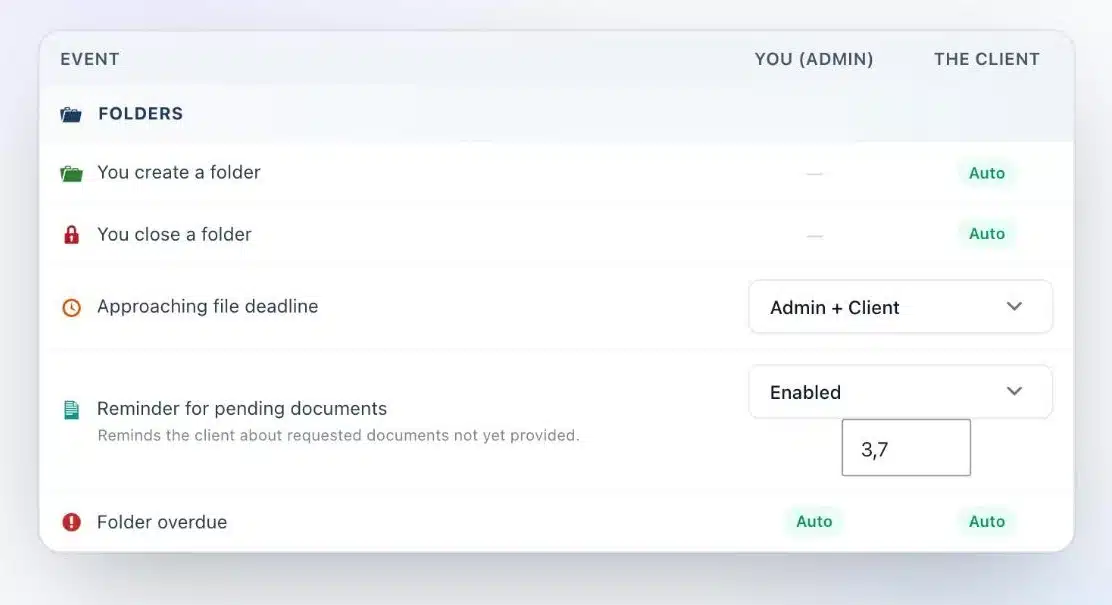
- Installation and setup of the vault, document requests and reminders.
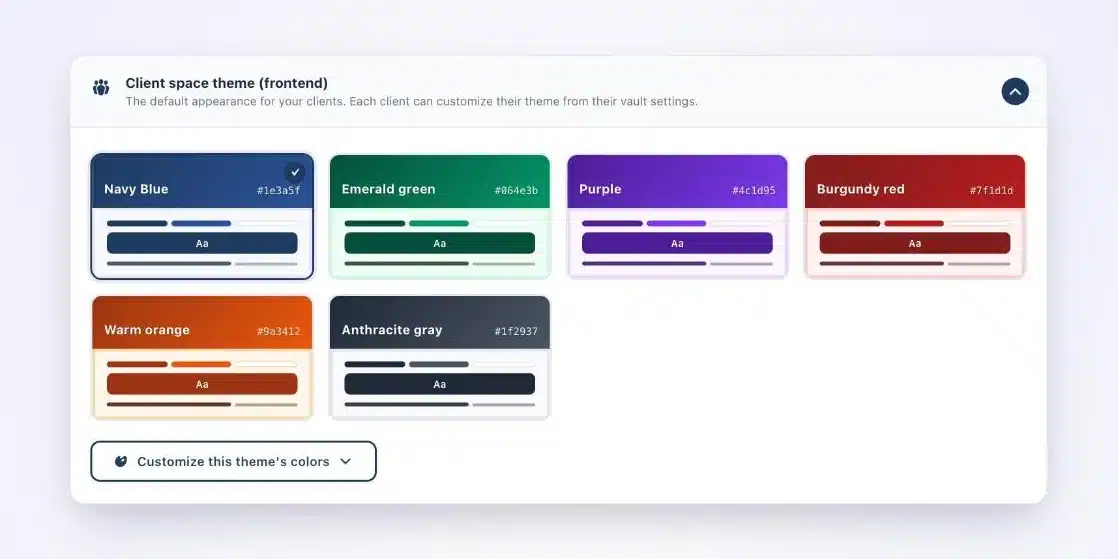
- Branding in the firm’s colors: theme, logo, emails.
- Training the team, in one or two sessions.
- Hosting and upkeep of the site, every month.
The same deployment repeats from one firm to the next. For license pricing, see the pricing page.
Answering the three most common questions
“We already have practice management software.”
Great, they keep it. Client Vault handles exchanges and documents with clients. The practice management software keeps billing and accounting.
“Will my clients actually use it?”
Yes, because it’s simple: an email, a link, a clear list in their browser, no app to install. Their vault displays in their own language.
“And security?”
Files are encrypted with AES-256 on the firm’s own server, with the host of its choice. No vendor, not even me, has access to it.
What Client Vault doesn’t do
Let’s be upfront. Client Vault doesn’t do qualified electronic signatures: Yousign or Universign handle that, as a complement. It doesn’t replace the firm’s practice management software either. Present it for what it does very well: the relationship and the documents with clients.
Next step
Client Vault for agencies
A service your firms understand right away
On a video call, I show you the vault from the firm’s side and the client’s side, and we look at how to fit it into your offers.
- The vault from the end client’s side
- Branding in the firm’s colors
- Automatic reminders
- Deploying across several sites
Frequently asked questions
Can an agency install Client Vault for its clients?
Yes. It’s even the ideal case: you install, configure, brand and maintain the vault on the firm’s site.
What should you bill the firm for?
Installation and setup, branding, training, then hosting and upkeep. Each part has its own value.
Do you need a particular skill to install Client Vault?
A good grasp of WordPress and hosting is enough. It’s a plugin that installs like any other.
Does Client Vault replace practice management software?
No. It complements it by handling exchanges and documents with clients.
Can the vault take on the firm’s colors?
Yes. You choose a theme and adjust it to the firm’s colors.