In brief: a new version of Client Vault has just been released, and it’s a significant update. Its goal can be summarized in one sentence — that each client finds their space and receives their emails in their own language, without a single misplaced word — but it brings much more: more reliable emails, a sharpened interface, and enhanced robustness. Here’s everything that’s changing, and why it’s good news for your clients.
A plugin update is more than just a version number change. For a tool that protects your clients’ sensitive documents, it’s a commitment: to continue evolving it with the same care as on the day it was installed. The versions we have just released all align with this principle. They do not add superfluous features — they make the experience fairer, more reliable, and clearer. Here are the details.
What’s changing, at a glance
New Features
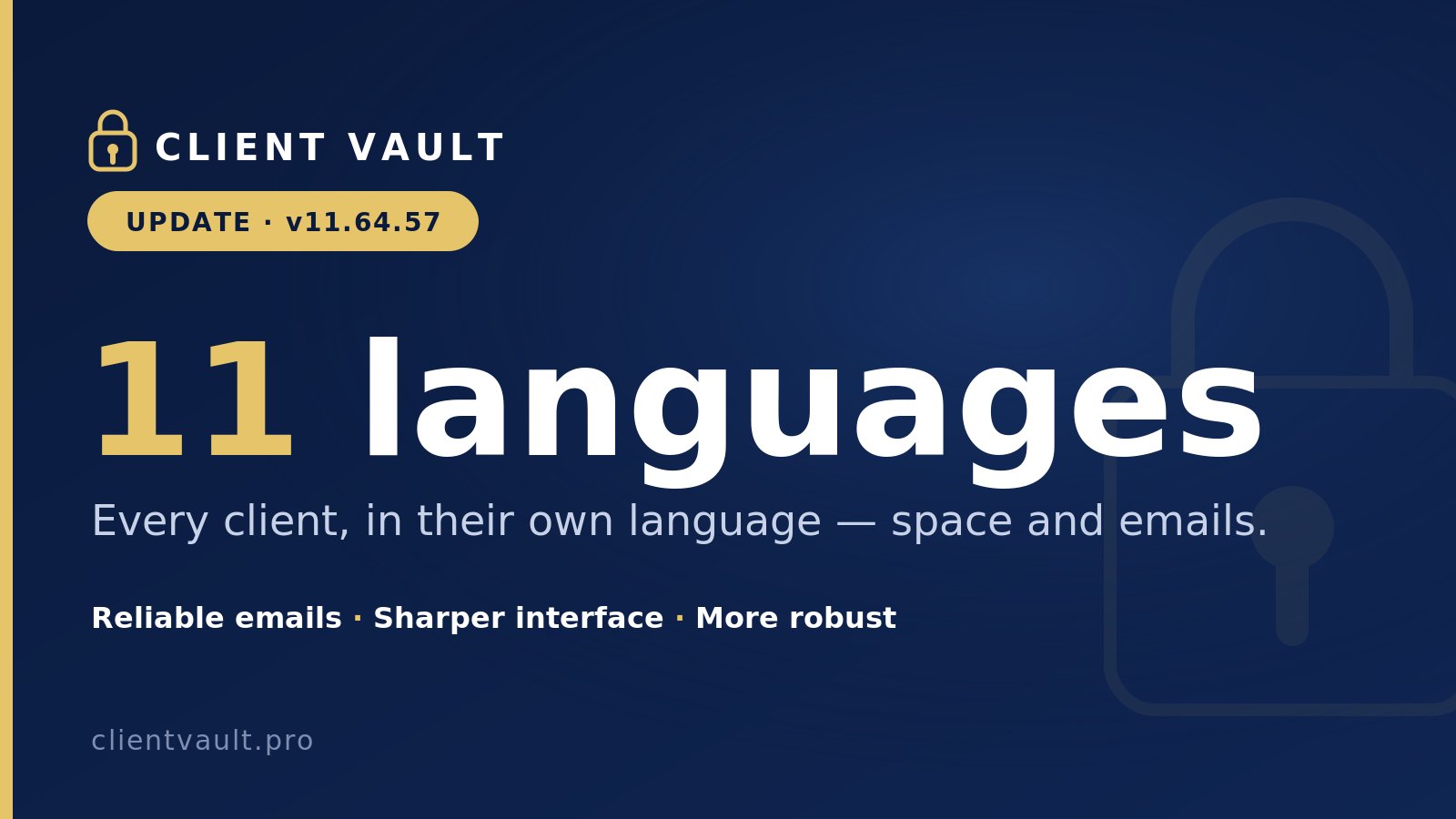
- Client area and emails available in 11 languages, customizable for each client (area and emails, separately).
- 74 email templates delivered already translated, ready for use.
Improvements
- More reliable emails: the editor respects the chosen language, your custom templates are preserved, the preview opens in the foreground.
- Sharpened interface: date filters, dropdown menus, activity log, forms, announcements, and harmonized settings — plus a sticky save bar.
Fixes
- Language selector and “Save Language” button fixed.
- No more email templates stuck in a single language.
- No more emails sent in French to a client configured in another language.
- Enhanced robustness and improved translations.
The full details, version by version, are recorded on our public changelog.
And now, why each of these points truly matters to you — and to your clients.
Language: A Detail That Matters
The most visible change: Client Vault is now truly multilingual, in eleven languages — French, English, German, Spanish, Italian, Portuguese, Romanian, Turkish, Arabic, Hebrew, and Hindi. And not just the interface: each client’s space and the emails they receive are displayed in their own language.
This was already the case for the administrator, who could choose their default language. However, the client can now choose theirs. For example, if the client’s site is configured in English, the client can choose Spanish or 9 other languages for both their digital vault interface and all their email notifications.
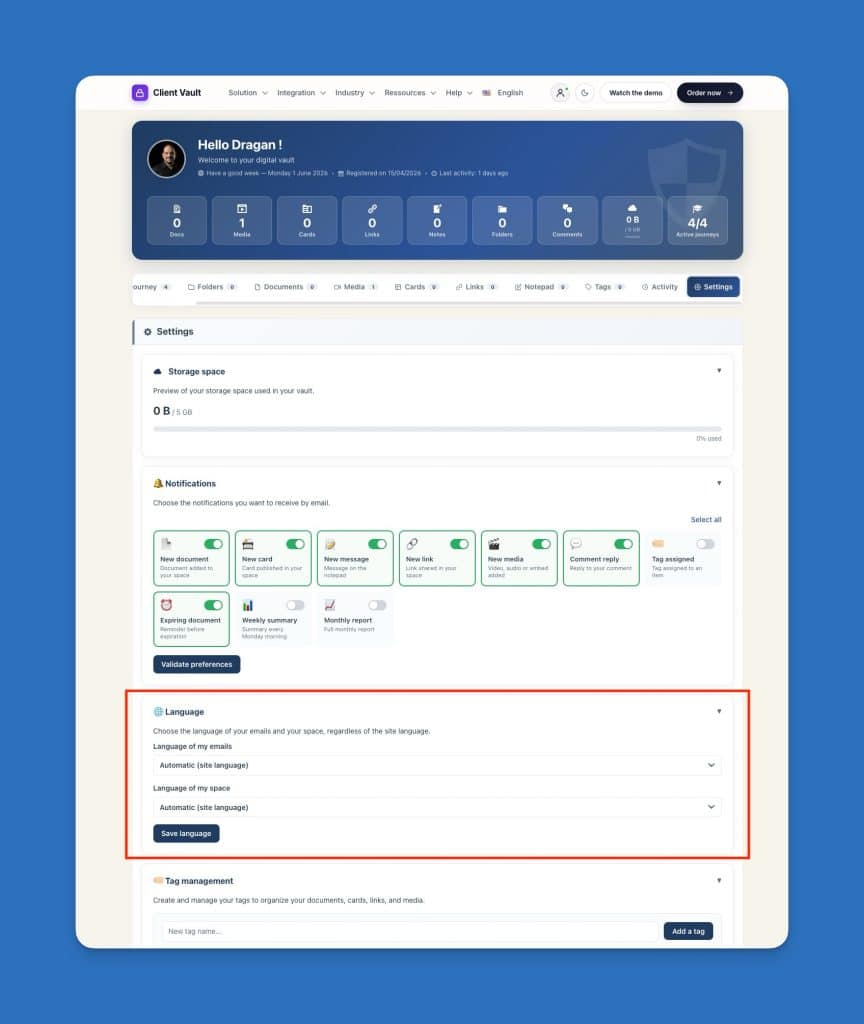
Specifically, you choose the language for each client — for their client area and for their emails, separately. A firm — of lawyers or accountants — that serves international clients, expatriates, or a binational clientele no longer has to apologize for a notification in French sent to someone who doesn’t read it. The client receives “A new document has been uploaded to your vault” or “Un nouveau document a été déposé dans votre coffre-fort” depending on who they are. This level of care is not visible on a product sheet, but it is felt with every interaction.
Emails that never betray the recipient’s language
Many promise multilingual capabilities. Doing it properly requires addressing the dark corners. We have tackled this.
The template editor finally respects the language. Previously, an email template could remain fixed in a single language regardless of the configuration: we identified the exact cause — content saved once in the database that bypassed the translation system — and corrected the mechanism at its root. Today, a default template automatically follows the language of each recipient; a template you customize retains your text, identically.
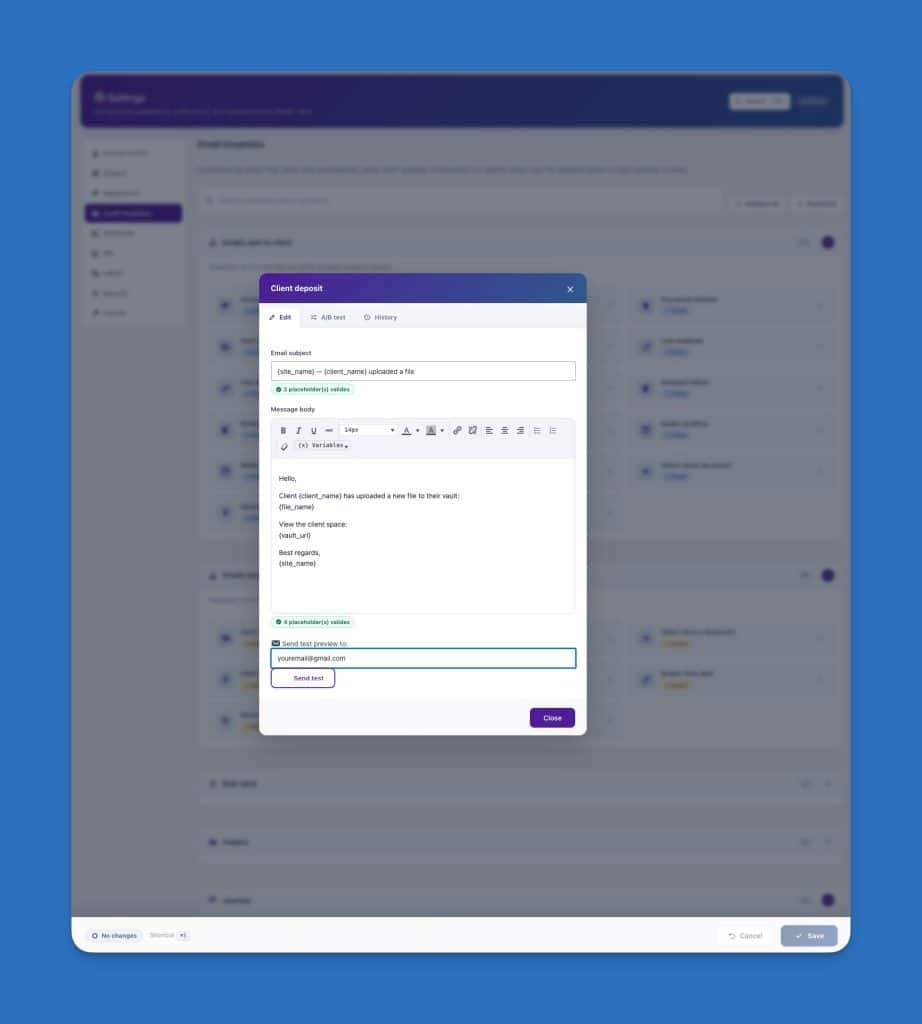
Every email is sent in the correct language. We have revisited all automatic notifications — document deposit, file created or closed, journey step validated, document request, welcome message, reminder — to switch to the client’s language upon sending. No more emails in French for a client configured in Romanian or English.
And seventy-four translated templates delivered. You have nothing to prepare to get started: the email templates are already written in eleven languages.
A cleaner interface, down to the smallest detail
In parallel, we meticulously reviewed the administration interface. Date filters, dropdown menus, the activity log, add forms, announcements, and settings fields have been harmonized under a single design guideline — the sober and readable one you expect from a professional tool. We also added a ‘sticky’ save bar in the settings: your changes are no longer lost if you switch tabs too quickly.
These are details. But it is precisely the details that build trust in a tool — or that annoy ten times a day.
Reliability Before Novelty
A plugin hosting confidential documents must not fail. We have therefore reinforced the safeguards: a malformed template or translation can no longer block an email from being sent or crash a page. The system is designed to fail gracefully — displaying a clean fallback rather than breaking anything on your client’s side.
This is a constant philosophy for us: before each release, the code undergoes a battery of automatic checks designed to prevent any error from ever reaching a production site. A Client Vault update is designed to install without you having to hold your breath.

What This Says About Our Way of Working
A serious tool is recognized less by its feature list than by the regularity with which it is maintained. In recent weeks, we haven’t chased after headline effects: we have made the product fairer for your clients, more reliable for you, and cleaner in every screen. This is the kind of work that doesn’t make headlines, but shows its value over time.
And it aligns with what remains the core of Client Vault: your data lives on your hosting, under your control. No third-party cloud, no dependence on a publisher looking over your shoulder. A vault that you truly own — and that we maintain as if it were our own.
If you’re discovering Client Vault, now is a good time: the client experience has never been so refined. Discover our offers and prices to get started. And if you already use it, the update awaits you — install it with peace of mind.