A client who asks about the security of their data is giving you a great opportunity to show how seriously you work. Here are five simple answers, the references to cite, and a ready-to-send email.
A few years ago, a client asking “where is my data?” was the exception. Today it’s almost the norm in high-stakes cases: divorces involving significant assets, business sales, criminal complaints, international tax matters.
Let’s be upfront: this isn’t distrust. It’s a well-informed client. And answering well often tips the balance in your favor.
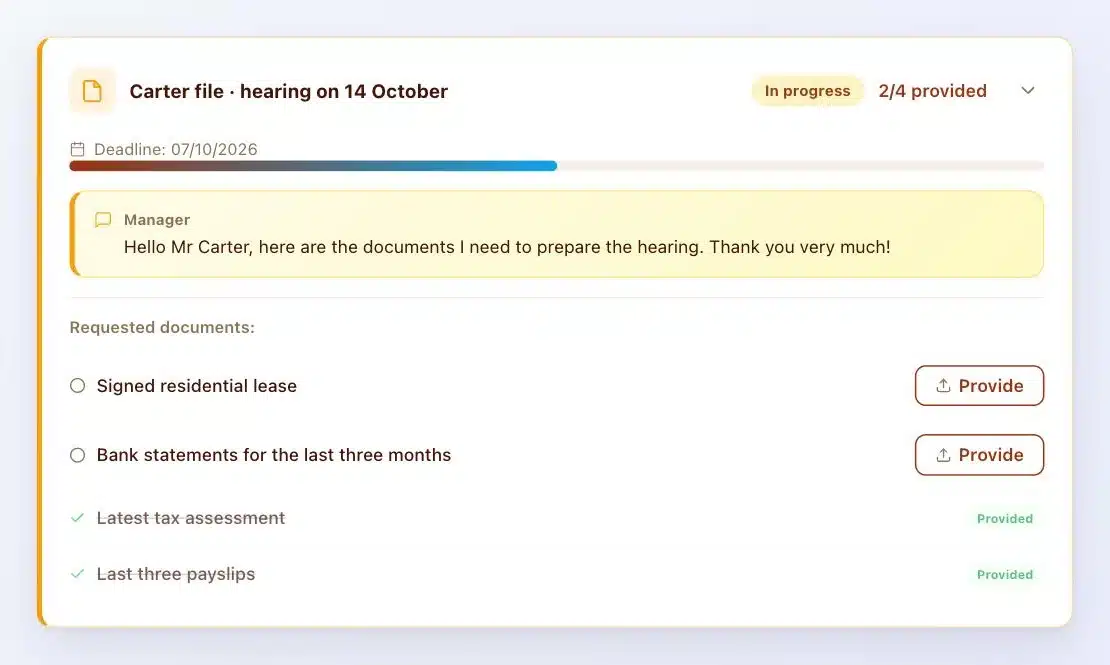
Question 1: “Where is my data stored?”
A good answer has three parts. The server’s location, with the host’s name and the country. The jurisdiction of the software vendor, because that’s what determines exposure to the CLOUD Act. The retention period.
Sample answer: “Your documents are stored on our own installation, hosted by OVH in France. No outside vendor has access to them. We keep them for the duration of your case and the legal retention periods.”
References: GDPR, Article 5.1.b (purpose limitation) and 5.1.e (storage limitation).
Question 2: “Who can read my documents?”
Your client wants to know who, in practice, opens their documents. Your answer states the principle: only the firm has access, and each client sees only their own vault. Then the mechanism: every upload, view and download is recorded in a dated log.
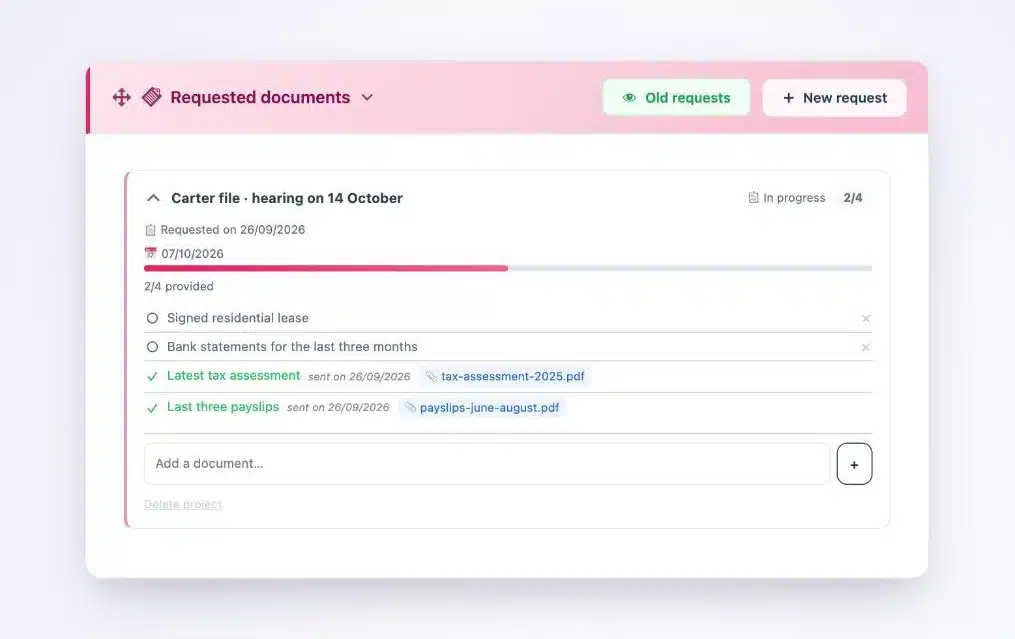
References: GDPR, Article 32 (security of processing) and Article 5.1.f (integrity and confidentiality).
Question 3: “What if you get hacked?”
Your client isn’t asking for an absolute guarantee. They want to know how you limit the risk and how you’ll let them know.
- Files encrypted on the server. With Client Vault, every document is encrypted with AES-256 the moment it arrives. A stolen file on its own stays unreadable.
- A well-maintained site. Your installation is kept up to date and monitored, by you or your agency.
- Prompt notification. If a breach poses a risk, the French data protection authority (CNIL) is notified within 72 hours and the affected client is informed.
References: GDPR, Articles 33 and 34.
Question 4: “Can I get all my data back?”
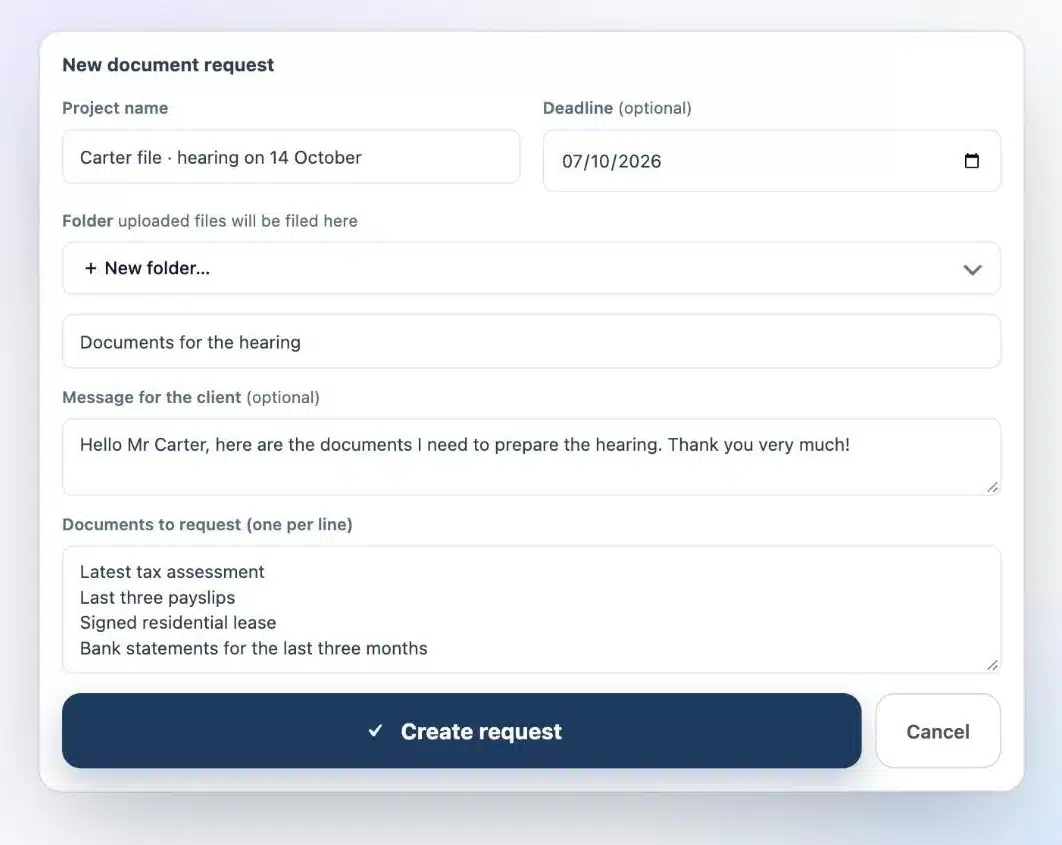
That’s the right to data portability. Your client can ask for it at any time, not just at the end of the case. You hand back the documents they entrusted to you, in a readable format.
With a vault installed on your server, it’s a ZIP archive exported in a few clicks. WordPress’s personal data export and erasure tools also work with Client Vault data.
Reference: GDPR, Article 20.
Question 5: “Could my data end up abroad?”
It all depends on your tools. With software made in the United States, the honest answer is: it’s possible, at the request of US authorities under the CLOUD Act. With an installation on your own server, with a host in your country, your data stays under your jurisdiction.
To learn more, I’ve explained how the GDPR and the CLOUD Act connect.
References: the CJEU’s Schrems II ruling (July 16, 2020) and the US CLOUD Act (2018).
A ready-to-send email for your client
“Hello [First name], thank you for your question, it’s exactly the kind of care I recommend. Your documents are stored in your Client Vault, on our installation hosted by [host] in [country]. No outside vendor has access to them. Every file is encrypted and every view is recorded in a log. In the event of an incident, you would be informed right away. At any time, I can give you all your documents in a single archive. Best regards, [Signature]”
Template to personalize
Two minutes are enough to adapt it. It turns a delicate question into proof of your professionalism, with the clients who matter most.
How Client Vault helps you answer
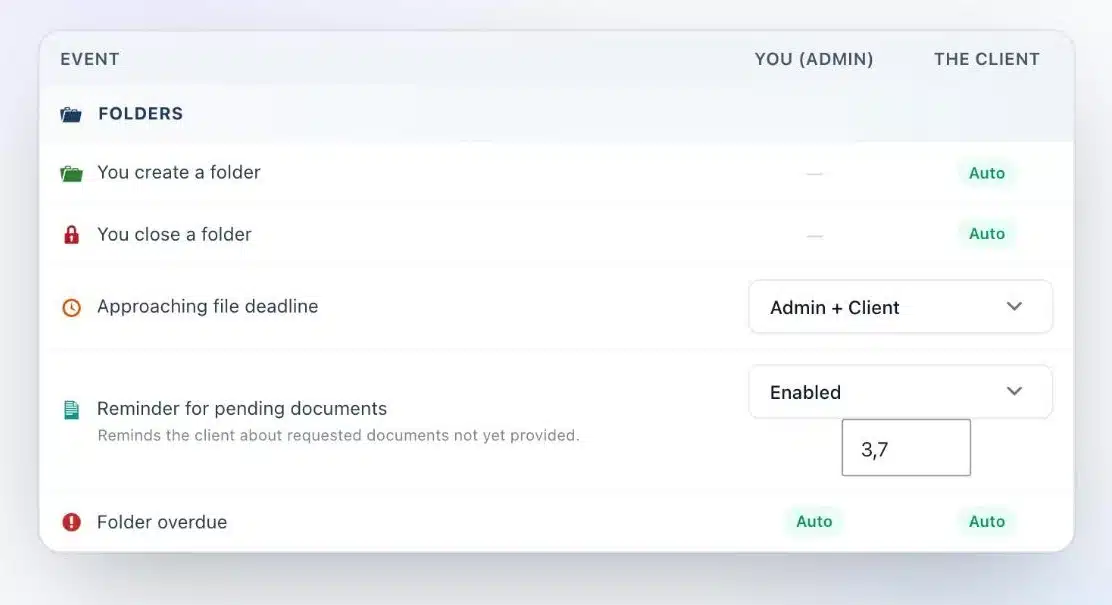
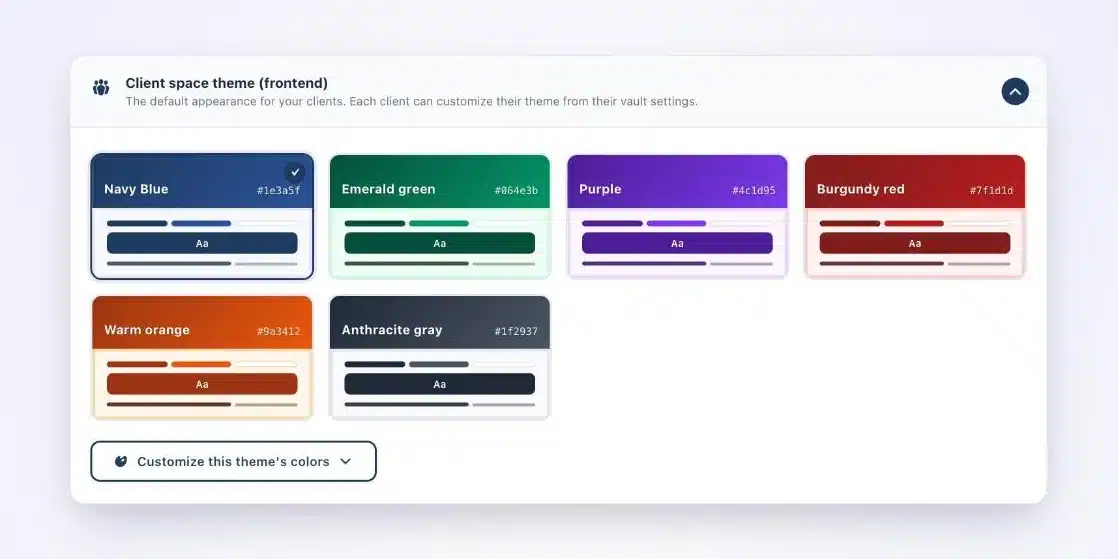
Client Vault is a secure digital vault that installs on your WordPress site. Each client has their own vault, files are encrypted, the activity log is sealed and exports come as a single archive. Everything stays on your server, with the host of your choice. To choose one, here’s my hosting comparison.
Are you a WordPress agency?
These five answers make an excellent selling point with your professional clients. You install, host and brand the vault in their colors, and you train them. Every step is billable.
What Client Vault doesn’t do
Let’s be upfront. Software alone doesn’t make a firm compliant: your record of processing activities, your retention periods and your contracts remain your job. Client Vault gives you the tools to keep your commitments.
Next step
Client Vault
Clear answers to every question your clients ask
On a video call, I show you where the data lives, how it’s protected and how to hand it back.
- The vault from your client’s side
- The activity log
- Exporting a file
- Your hosting questions
Frequently asked questions
What should I tell a client who asks where their data is?
Give the host’s name, the server’s country, the software vendor’s jurisdiction and the retention period. Those four elements are all you need.
Do I have to tell my client about a data breach?
Yes, if the breach poses a high risk to them (GDPR, Article 34). The CNIL, the French data protection authority, must be notified within 72 hours (Article 33).
How do I return data to a client who asks for it?
With Client Vault, you export their vault as a ZIP archive. WordPress’s GDPR tools also let you export or erase their personal data.
Are files encrypted in Client Vault?
Yes. Every document is encrypted with AES-256 the moment it reaches your server.
Does the CLOUD Act affect a French firm?
It applies to data entrusted to a vendor or host subject to US law. Data on your own server, with a European host independent of US law, falls outside its reach.