
TaxDome and Client Vault don’t share the same philosophy. One rents you an all-in-one platform, the other gives you a vault you own. Let me help you choose honestly, based on your firm.
If you’re looking for a portal to exchange documents with your clients, TaxDome often comes up in searches. It’s a solid product, originally built for American accounting firms.
Let’s be upfront: I’m not going to tell you TaxDome is a bad tool. I’m going to show you what really differs between the two, so you can choose with full knowledge of the facts.

Two different philosophies
TaxDome is an all-in-one online platform: client portal, billing, signature, task management. You rent the whole package, and your data lives with the vendor.
Client Vault is a secure digital vault that you install on your WordPress site. It focuses on the relationship and the documents with your clients. Your data stays on your server, with the host of your choice.
The vendor’s jurisdiction
TaxDome is a US company. Even if some data is hosted in Europe, a company subject to US law can receive a request from US authorities under the CLOUD Act. For a European firm, that calls for your own risk analysis.
With Client Vault, nothing is stored with the vendor. I explain this point in my article on the CLOUD Act and the GDPR.
Day-to-day features
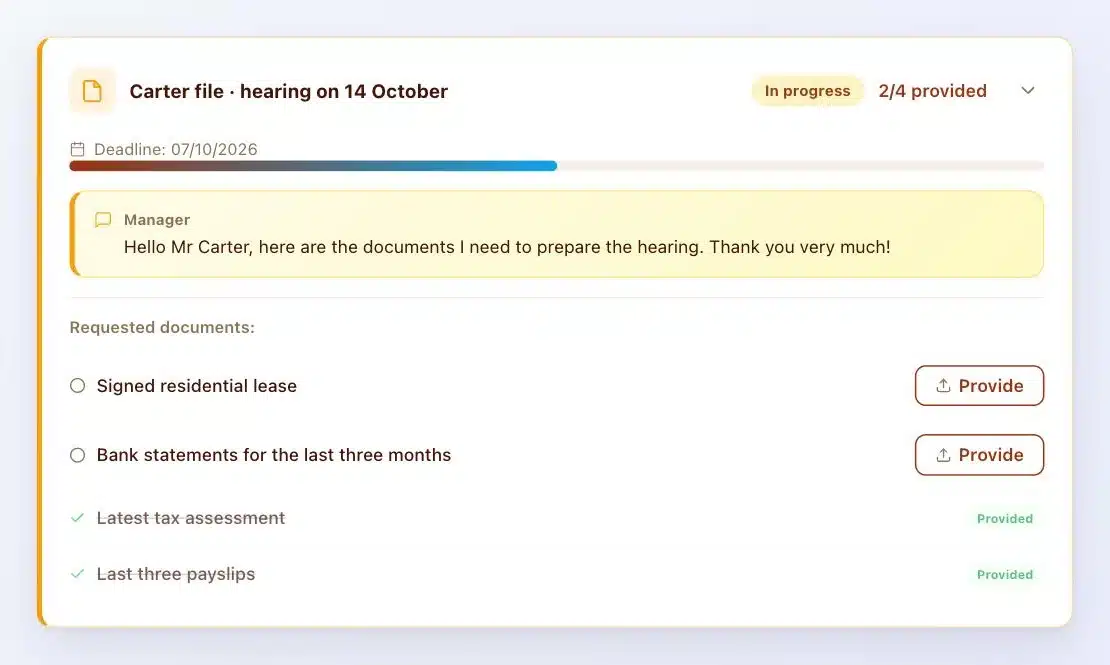
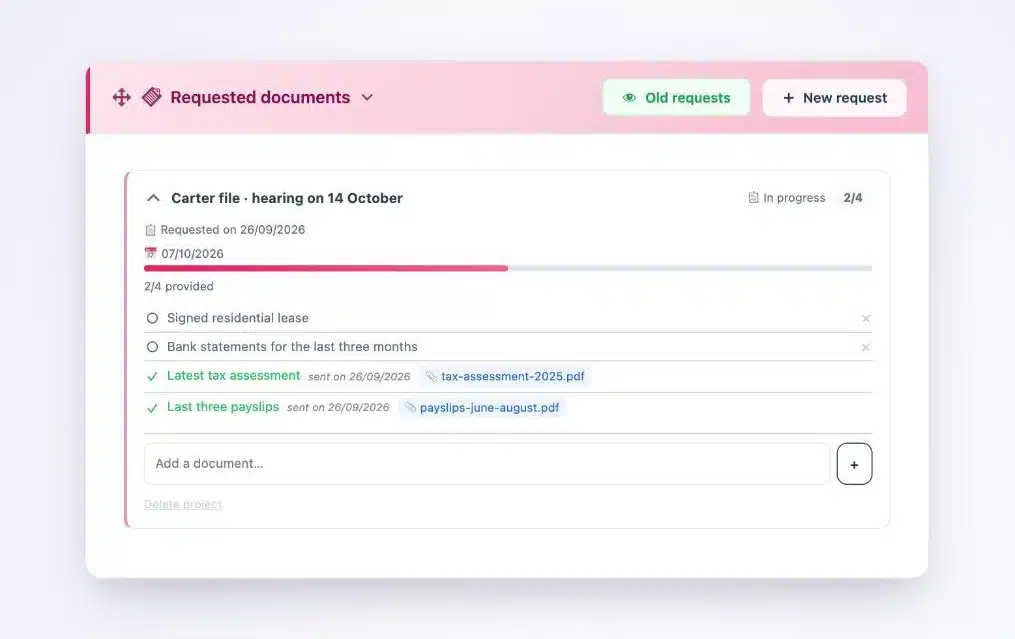
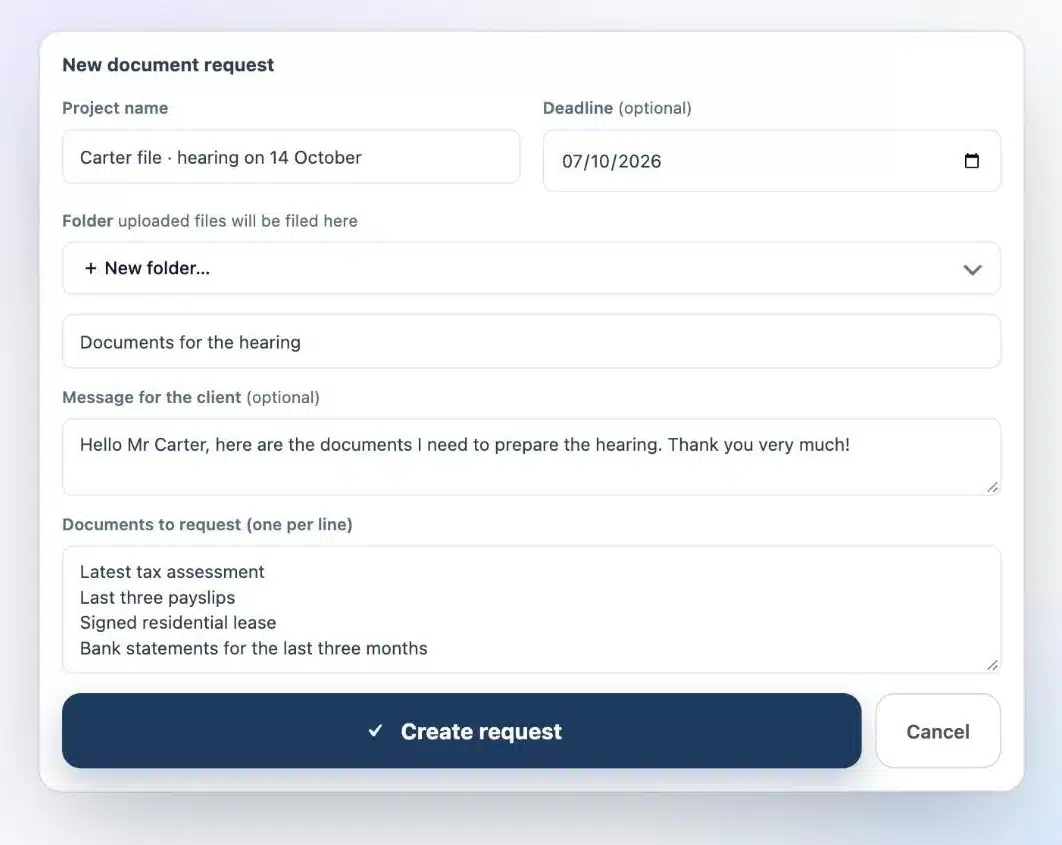
- Document requests: both tools can request and track documents. Client Vault lists documents one by one, with a deadline and automatic reminders.
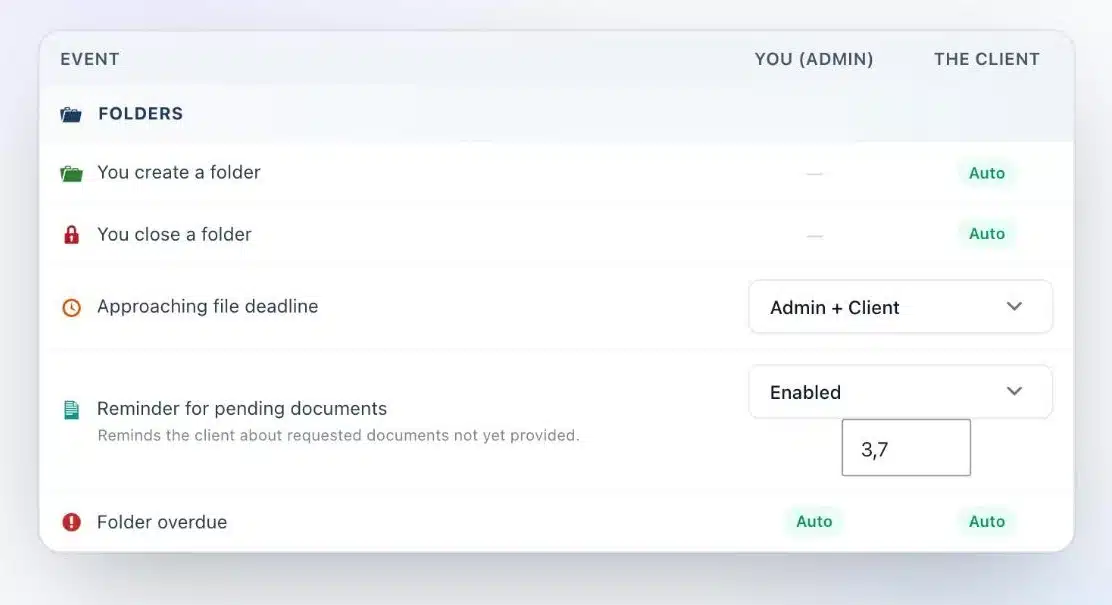
- Reminders: in Client Vault, the vault only reminds clients about the documents still missing, on the days you choose.
- Billing and signature: TaxDome includes them. Client Vault relies on your existing billing tools and on a specialized service for qualified signature.
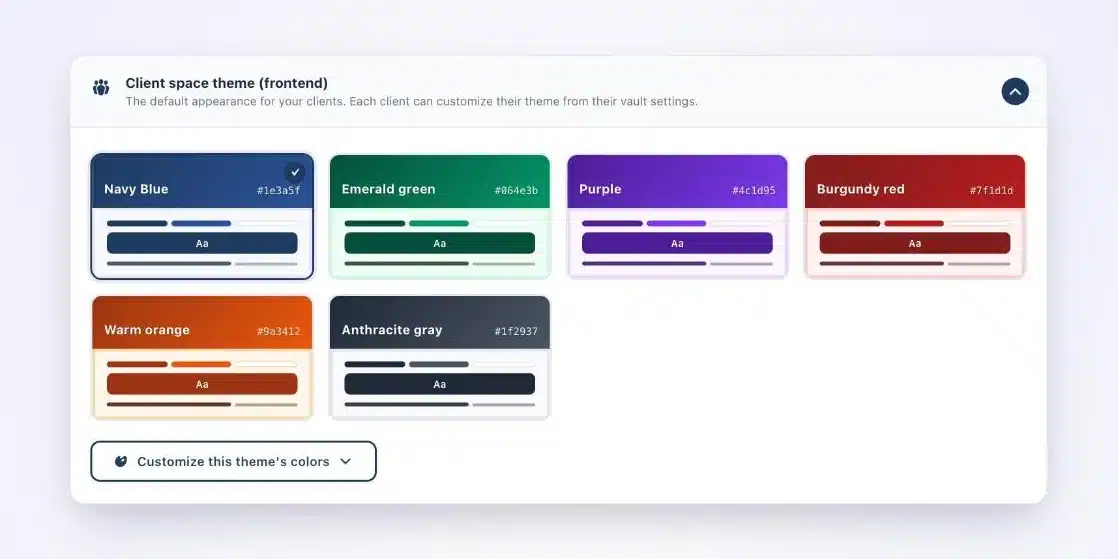
- Client experience: in Client Vault, your client sees a vault under your name and in your colors, in their own language.
Cost and freedom over five years
An all-in-one subscription is paid monthly, often per user, and evolves at the vendor’s pace. Run the numbers over five years with your own figures.
Client Vault is a license you own, installed on your site. The day you want to switch, your data is already with you, and every case file exports as a ZIP archive. Pricing is on the pricing page.
Which firm should choose TaxDome
If you want a single tool to manage everything, billing included, you work mostly in English with an international clientele, and the vendor’s jurisdiction isn’t a concern for you, TaxDome is an excellent choice.
Which firm will prefer Client Vault
If you want to keep your clients’ data on your own server, in Europe, own your tool rather than rent it, and offer your clients a vault in your own image, Client Vault is made for you.
- Files encrypted with AES-256 on your server.
- A sealed activity log that timestamps every action.
- A vault in your colors, in each client’s own language.
Are you a WordPress agency?
Installing Client Vault for a firm is a complete service: hosting, setup, branding in the firm’s colors and training. Everything stays on sites you control.
What Client Vault doesn’t do
Let’s be upfront. Client Vault isn’t billing software and doesn’t do qualified electronic signatures. It also needs a maintained WordPress site, ideally handled by a trusted agency.
Next step
Client Vault
A vault you own, on your own server
On a video call, I show you the vault from the firm’s side and the client’s side, and we compare it with how you work today.
- The vault from your client’s side
- Document requests and reminders
- Encryption and export
- Your questions about migration
Frequently asked questions
What’s the real difference between TaxDome and Client Vault?
TaxDome is an all-in-one online platform that you rent. Client Vault is a secure digital vault that you install on your own site and keep ownership of.
Is TaxDome subject to the CLOUD Act?
TaxDome is a US company, so it’s subject to US law. A European firm needs to assess that risk in its GDPR analysis.
Does Client Vault handle billing?
No. It focuses on exchanges and documents with your clients. You keep your own billing tool.
Can you move from TaxDome to Client Vault?
Yes. You install Client Vault on your site, then create your clients’ vaults and document requests as cases come in.
Where is data stored with Client Vault?
On your server, with the host of your choice. Nothing is stored with the vendor.