In brief: this major update redefines the client journey experience, for both managers and clients. Automatic follow-up emails, participant pausing, fine-grained control over what each person sees, a dedicated tab for required documents, group anonymity — all on your server, in each person’s language, and designed based on real-world situations rather than a feature list.
I’ll be direct about how I’ve worked these past few weeks. I didn’t open a feature checklist. I revisited, one by one, the real-life situations experienced by those who use the journeys: the coach providing guidance, the trainer monitoring a group, the consultant managing a case — and, conversely, the client who progresses, sometimes doubts, or faces an unforeseen event. Almost everything I describe here stemmed from a specific moment: « at this precise moment, what is the person feeling, and what are they missing? »
I publish these notes as I design the product: openly, with no black box. This is the same requirement as for your data — if I ask you to trust me to improve the core of your client relationship, I owe you clarity on what I’m creating. So here’s what’s changing, why, and what you gain daily. Version-by-version details remain available in the complete changelog.
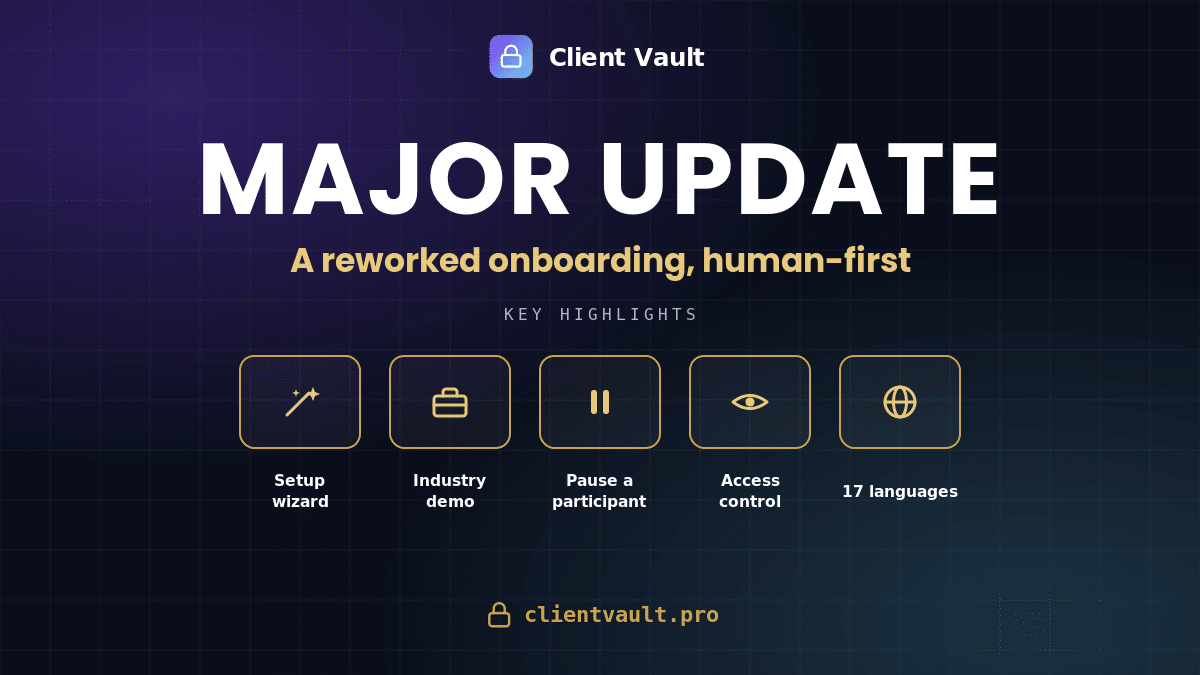
What’s changing, at a glance:
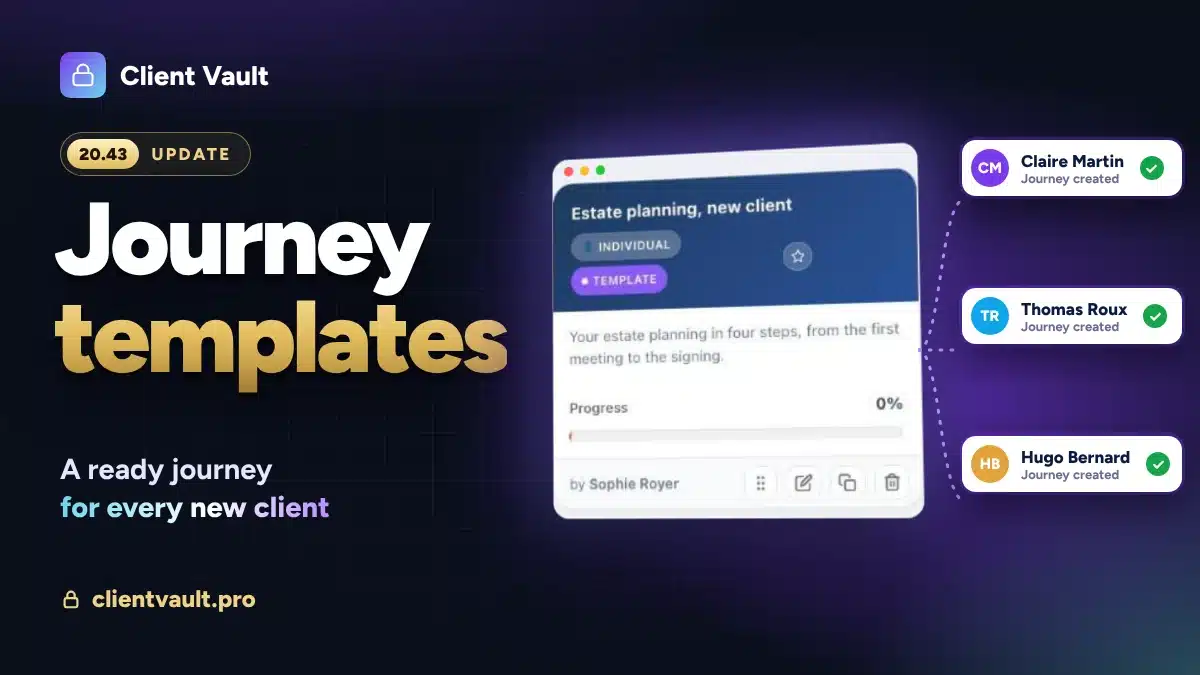
- A new, more comprehensive installation wizard – You can choose the data volume based on 10 pre-configured professions
- The demo companion natively joins the installation wizard – All in one place
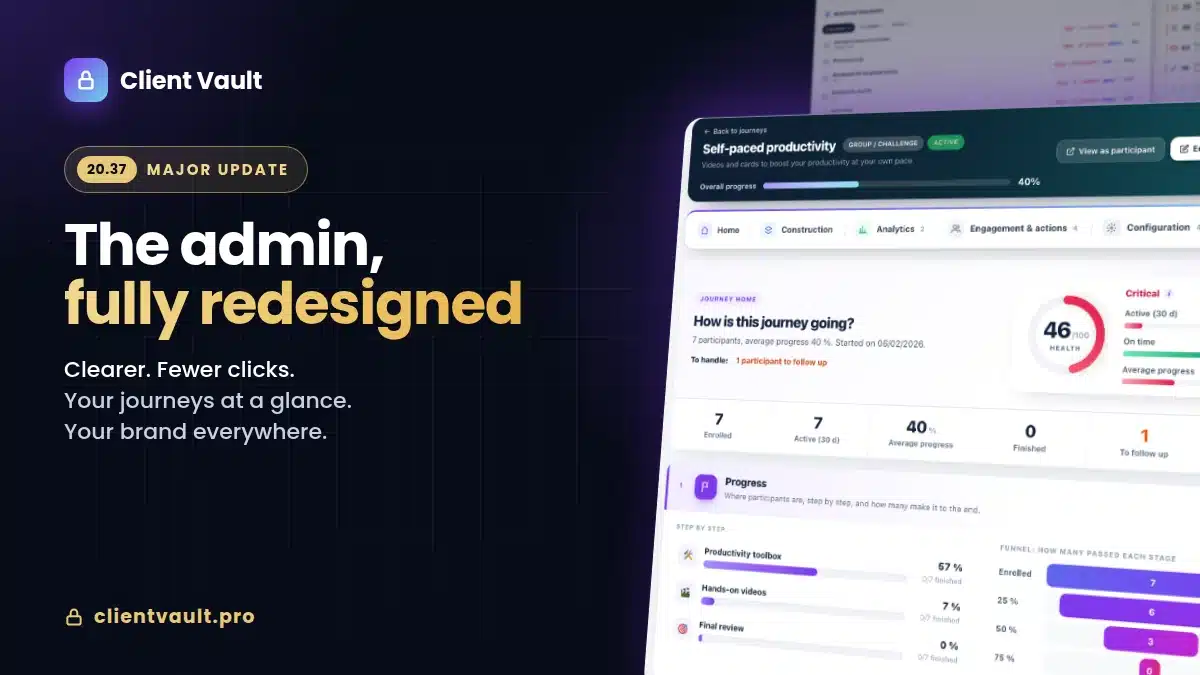
- + 20 new features for the client journey – Even more comfort and customization
- Sent documents get a revamp – They now have their own dedicated space
- Invisible comfort — 17 languages, readable dates, reliability, and follow-up emails that finally send.

Get started in minutes
The most critical moment with a new tool is the first ten minutes. The blank screen. The feeling of having to configure everything before seeing anything. That’s when people give up or doubt. Therefore, I focused a large part of this update on getting started, because a good first impression is worth all the arguments.
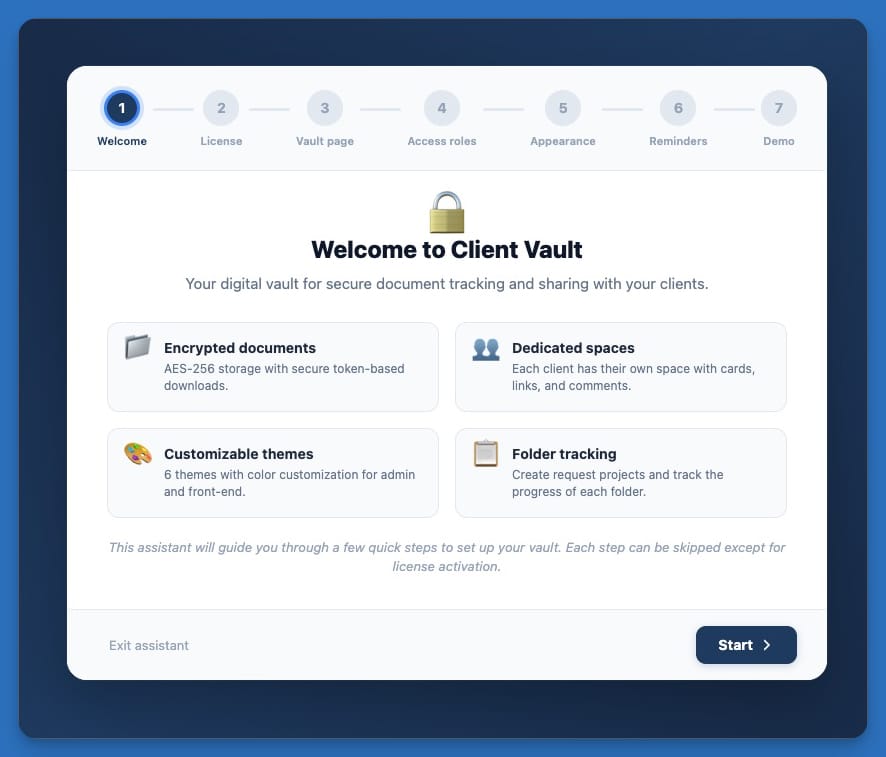
An installation wizard now guides you step by step : the license is activated, the client area page is created automatically, access and appearance are set to your colors — right up to the creation of your first client. No need to know WordPress : you move forward, and in the end, you have a working product, not a work in progress.
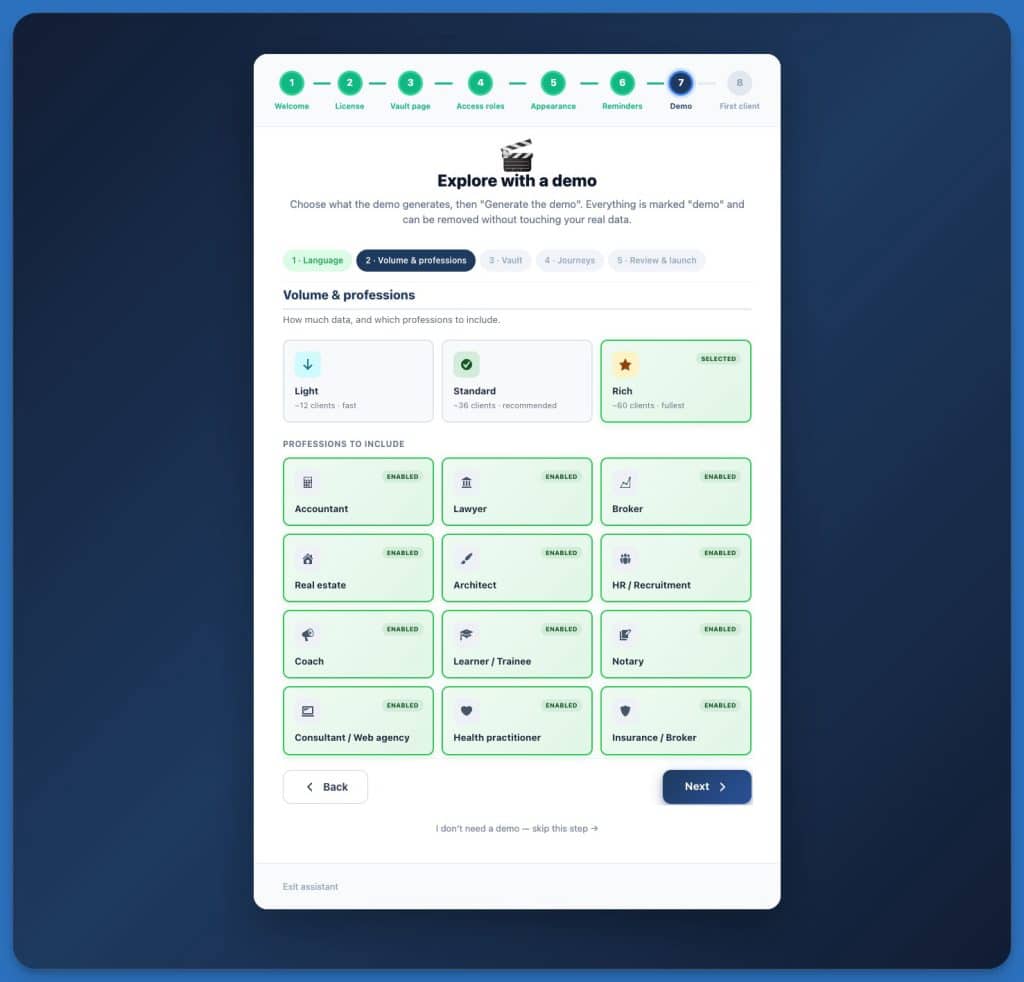
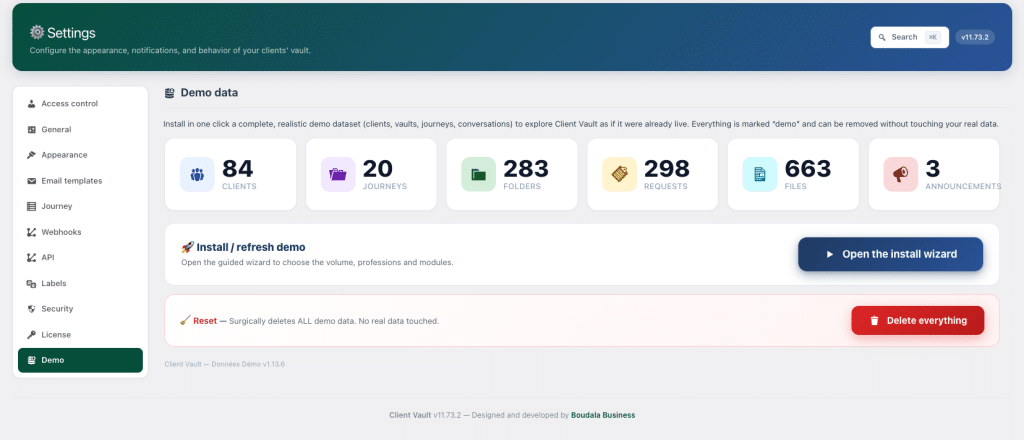
Crucially, the integrated demonstration has merged with this assistant. Previously, it existed separately, with its own scattered buttons; everything now goes through a single guided journey. You choose your profession from twelve — accountant, lawyer, notary, broker, insurance, real estate, architect, HR & recruitment, coach, consultant or web agency, health, training — and Client Vault generates a credible demonstration of your activity : clients, files, journeys, and a fully populated vault, with the full range of security features. You also decide the volume — light for quick setup, standard, or rich for a complete showcase — and the language.
Two details are very important to me. First, the demo dates are recalculated upon installation : it never appears outdated. Second, everything is properly deleted, without ever touching your real data — a clear summary shows you what will be generated before launching, and cleanup is done with a single reliable tool. Concretely, this is the strongest argument for testing Client Vault before migrating to production. If you are an agency reselling Client Vault, it’s the perfect tool to convince a prospect : they see the tool operating in their professional environment, without entering anything. If you want to judge for yourself, I will gladly show it to you in a demonstration.
Managing the real-world client support: the journey evolves!
A client journey is not a straight line. A client goes through a difficult month, a training course is put on hold, a case closes earlier than expected. Until now, the tool only recognized two states : in or out. It was abrupt, and it didn’t reflect reality.
You can now pause a participant, on any type of journey. They remain registered, their progress is frozen, they are no longer counted as « late », and on their side, the journey switches to read-only with a « Paused » banner that states things without dramatizing. When the time is right, you resume with a single click. This is exactly the action we were waiting for to respect someone’s pace without excluding them.
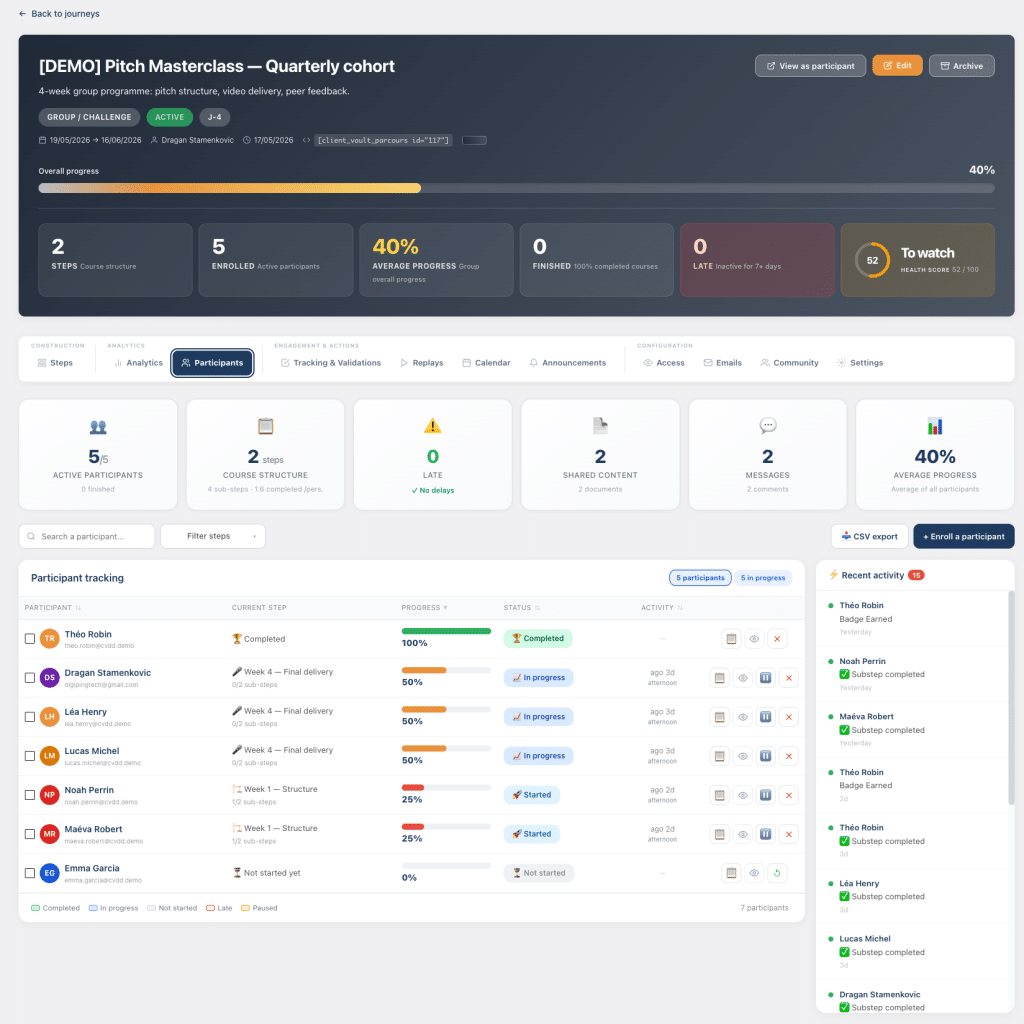
For an individual client journey, you can also close it: it switches to « Completed », the client retains read-only access to review their finished journey, nothing is deleted, and you can reopen it at any time. And because an individual journey eventually contains valuable data, I have protected it: as soon as a participant has started, their spot is reserved for them. Withdrawal then becomes a guided action — close, archive, or simply remove — and a « Re-enroll » button allows you to recall the same person. The objective is simple: never let you accidentally compromise valuable follow-up.
Latest addition to this family: you can now preview any journey in read-only mode, exactly as a participant sees it, without having to register for it. Previously, “slipping” into a journey distorted statistics and group context. No longer: you are viewing the real experience, without leaving a trace.
And to go even further. These improvements come directly from the roadmap and discussions with our clients. They wanted even more control over journey customization.
1 – You decide what each participant sees
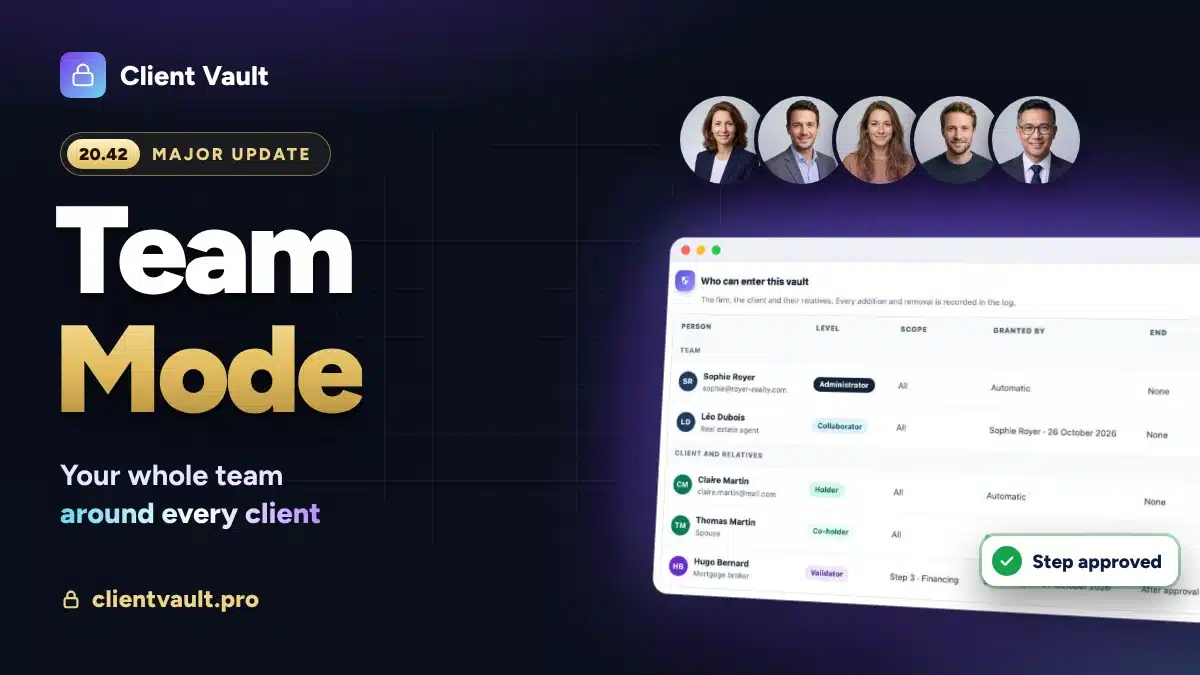
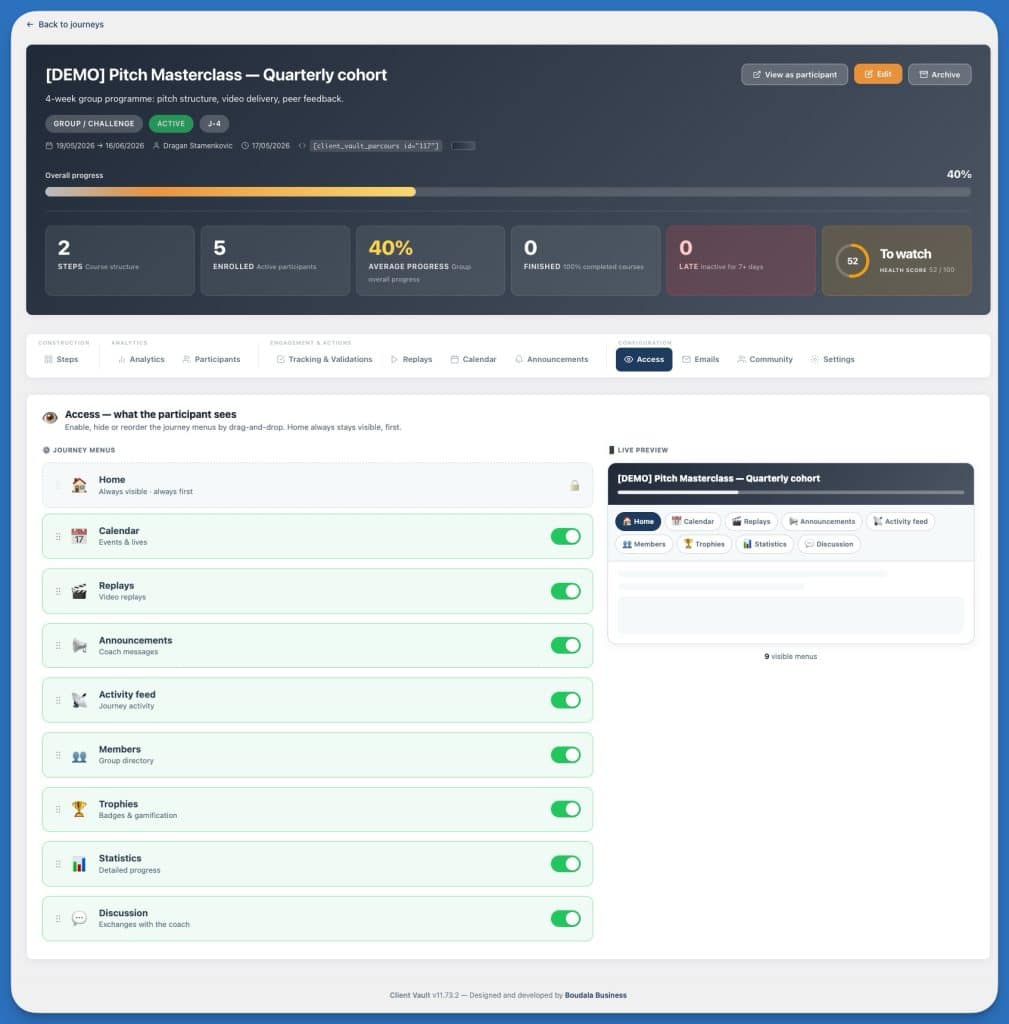
An overly rich journey can be intimidating. Not all functions are relevant to all audiences, and a client lost in menus they will never use is a client who disengages. I have therefore added an “Access” tab in the journey configuration: you activate or hide each menu — calendar, replays, announcements, activity feed, members, trophies, statistics, discussion — and you reorganize them by simple drag-and-drop. A left column for settings, a live preview on the right to see, in real-time, the tab bar as the participant will experience it. The Home page, however, always remains there.
2- Protect a participant’s identity in a group
In the same spirit of respecting individuals, I developed group anonymity. Certain subjects are sensitive — a career change, a personal difficulty, a care journey. With one click, you mark a member as “Anonymous”: for others, their name becomes “Anonymous”, their avatar a neutral silhouette, and their profile is no longer clickable — everywhere, from the activity feed to rankings, comments, and search. They continue to see themselves normally, you still see their true identity, and the statistics remain accurate. We mask the display, never the reality.
Required documents, finally under control
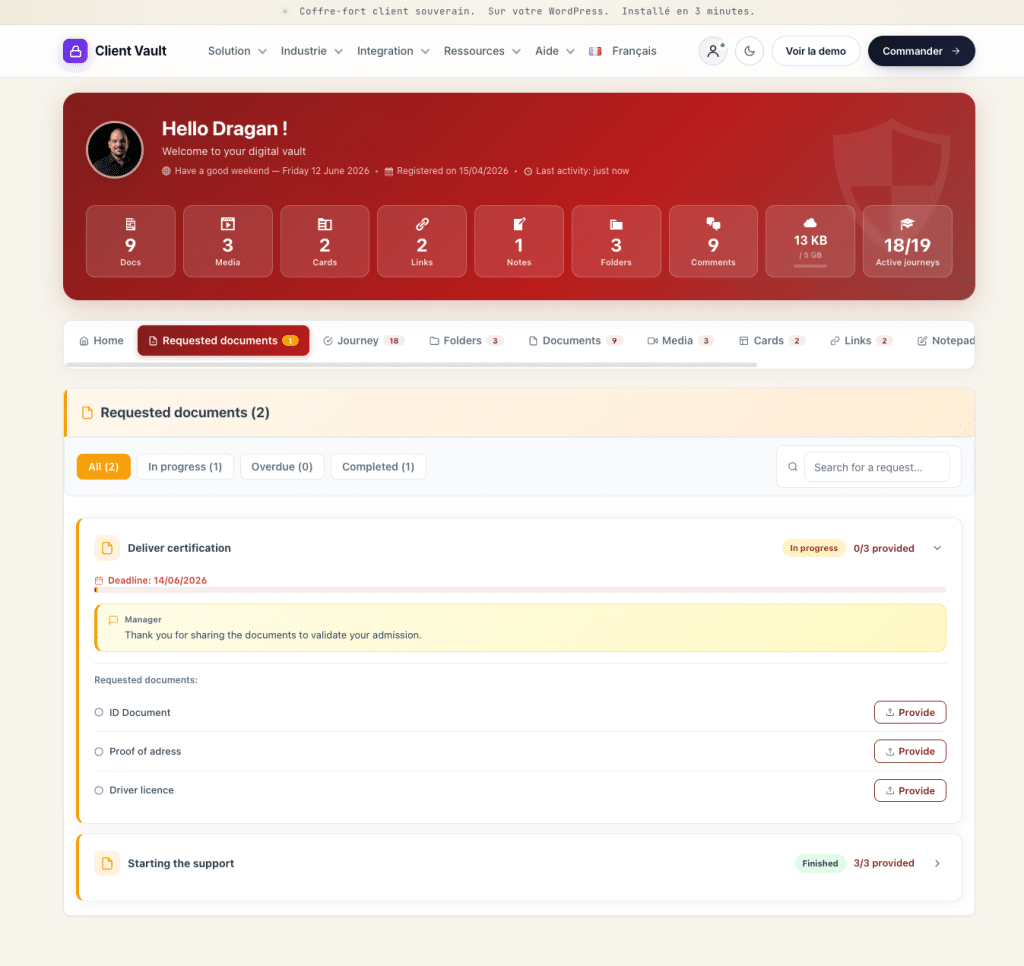
If there’s one universal chore, it’s document collection: chasing up, verifying who sent what, and finding a document buried in a conversation. I’ve brought order to all of this. For clients, a dedicated “Requested Documents” tab gathers each request and its status — and it disappears automatically when nothing is pending, so as not to clutter the interface. It adopts the design principles of the “Files” tab: a clear header, requests as foldable cards, filters (pending, overdue, completed), and search.
Regarding reminders, the automatic email mentioned above handles most of the work: with each new request, the client receives the list of expected documents and the link to upload them directly. To ensure no information is ever lost, the client area search now covers a much broader scope — documents, media, records, links, and notes, but also document requests, comments, and tags. You type a word, you find everything. If you wish to see the full scope of what the vault manages, the features page provides a comprehensive overview.
Unseen comfort
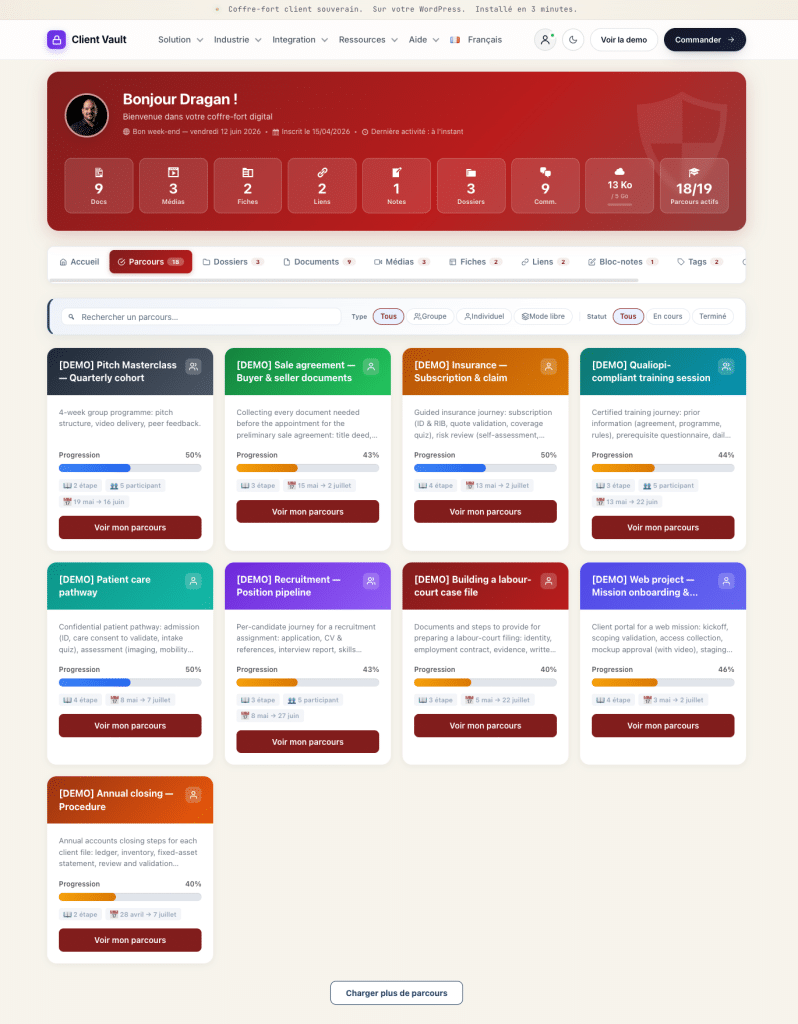
A good experience primarily relies on a host of small details that are only noticed when they are missing. I spent a lot of time on this. You can pin your key journeys as favorites and arrange them manually; on the participant side, when following several, a search and filters prevent overload. Dates are now written out in full and identically everywhere (“May 11 → June 30”), with a start date requested and then locked to ensure reliability. Group trophies, for their part, are only displayed where they make sense — in a collective setting, never in an individual one-on-one.
There is also the most thankless, and arguably most important, task: language and reliability. All these new features are available in 17 languages, both client-side and administration-side, with each email sent in the recipient’s language. I have completed end-to-end translations and cleaned up the backend. And to ensure updates run smoothly, the package is verified before installation, and downloads self-repair if they get stuck — no more false failure messages. In addition, there are dozens of concrete fixes: a progress bar that incorrectly displayed zero, an unresponsive drag-and-drop feature, buttons that were unreadable depending on the site’s theme, incorrectly escaped apostrophes, and raw browser confirmations replaced by clean dialogs. Nothing spectacular, taken individually. Together, it creates the feeling that a tool “just works”.
My Course Remains Unchanged
All these new features are built on the same foundation, and it will not change: your data resides on your hosting, in the country of your choice, and you are its sole owner. No publisher — including myself — looks over your shoulder. These follow-up emails, these journeys, these documents: everything stays with you. This is precisely the opposite of a service that holds your clients hostage in its cloud, and it is the core of Client Vault, not an option.
I also owe you an honest limitation. Client Vault is not a ‘click-click’ serverless SaaS: it assumes you own a WordPress site, which is an accepted requirement — that’s the price of sovereignty. It’s also not a complete LMS or CRM: the journeys are designed to support, not replace an online course platform. If you are looking for a black box that hosts everything for you, I am not the right choice, and I prefer to tell you that upfront.
Next Step
The easiest way to judge for yourself is to see the tool in action in your profession: I’ll show you the client journeys, follow-up emails, and the vault in a video demo, and you can ask your questions without filter. You can also review the complete details of this update in the changelog, or compare the offers before deciding — the prices are public, with no surprises.
Frequently Asked Questions
Do I need to reinstall or migrate anything for this update?
No. The update installs like previous ones, from your WordPress administration area. Your journeys, clients, and content remain in place ; new features are added without overwriting anything.
Do follow-up emails automatically go out to my clients ?
Only if you decide to. Each email is disabled by default and activated card by card, with a subject and message that you can rewrite. You maintain total control over what is sent, and to whom.
Does pausing a participant delete their data ?
No. Pausing simply freezes progress and sets the journey to read-only for the participant. Nothing is erased, and you resume tracking exactly where it left off.
In which languages are these new features available ?
In the plugin’s 17 languages, both client-side and administration-side. Each email is sent in the recipient’s language, and the interface follows the language chosen by each user.
Where is my clients’ data stored ?
On your own WordPress hosting, in the country of your choice. No publisher accesses it : you are the full owner of everything, from documents to follow-up emails.
Do journeys make Client Vault an LMS ?
No. The journeys are designed to guide a client or a group step by step, with monitoring and safeguards. It is neither a complete online course platform nor a CRM: it is a sovereign support space.
How can I evaluate Client Vault before making a decision?
Through a video demonstration, where I show you the tool in the context of your profession and answer your questions. Prices are public on the pricing page ; the purchase is final, without a captive subscription.